
Viewport, gizmo & view modes
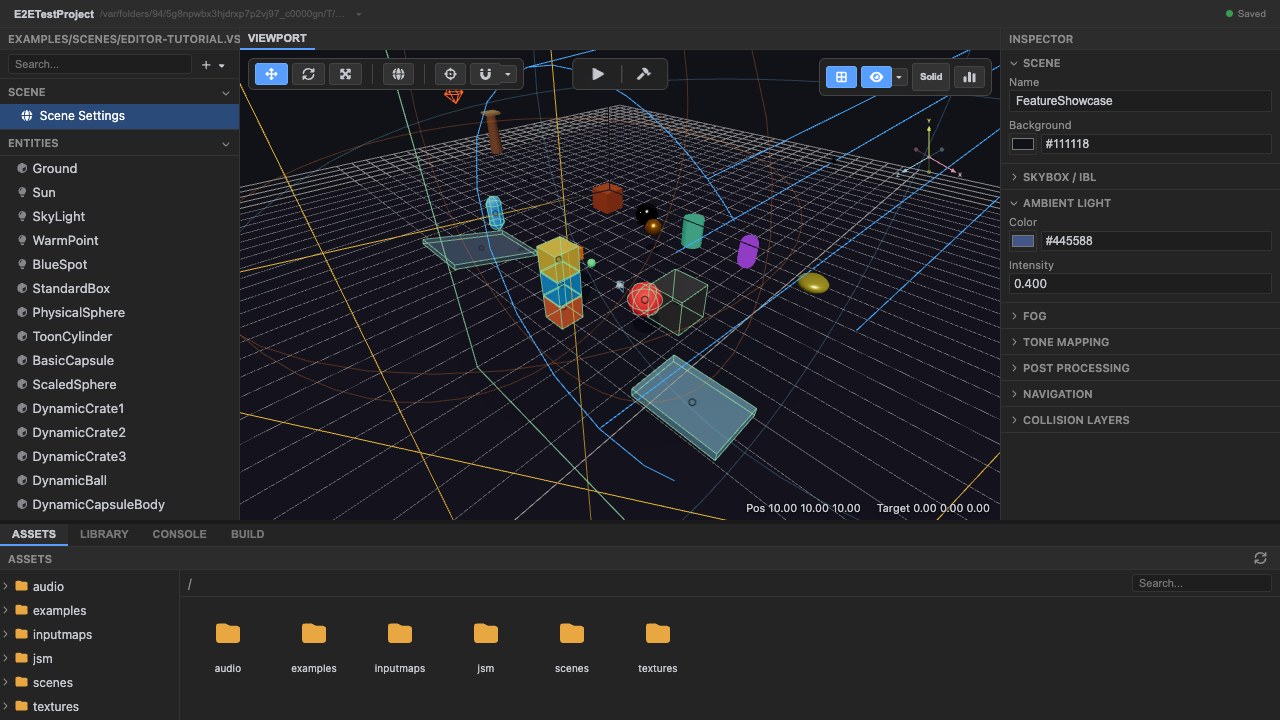
The viewport is the editor’s 3D workspace, rendered with the real engine renderer
(packages/editor/src/editor-viewport.ts).
Navigation
Section titled “Navigation”- Orbit / pan / zoom with the mouse (OrbitControls): right-drag to orbit, middle-drag to pan, scroll to zoom.
- View presets on the numpad (top / front / right / perspective) — these snap the camera instantly.
- The orientation gizmo (view cube) in the corner shows the current orientation and is clickable, with an animated transition to the clicked face.
- Fly camera — right-mouse + WASD for free movement.
- Select by clicking (raycast); marquee-select by dragging on empty space.
Transform gizmo
Section titled “Transform gizmo”Select an entity and transform it (TransformControls):
- Translate (W) / Rotate (E) / Scale (R).
- World / Local space toggle.
- Snapping: grid snap (translate/rotate/scale increments), surface snap (drop onto geometry), and vertex snap (to the nearest vertex).
- Pivot modes for multi-selection: active-element, median-point, individual-origins.
View modes & overlays
Section titled “View modes & overlays”From the toolbar / store (packages/editor/src/editor-shell-store.ts):
- Shading:
solid,wireframe,unlit(editor-only overrides — they don’t change scene data). - Grid, helpers (lights, cameras, colliders, audio, splines, navmesh), and a stats overlay (FPS, draw calls).
See also
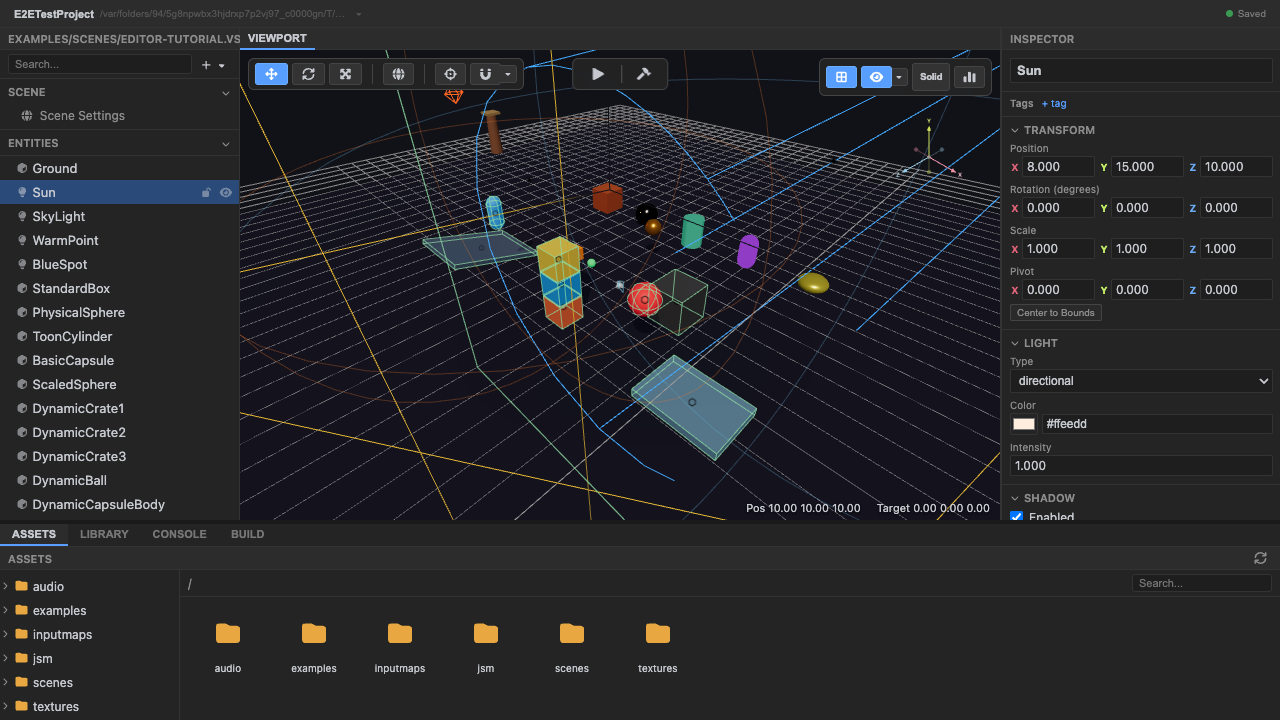
Section titled “See also”- Hierarchy & inspector — select and edit entities.
- Play control — run the project represented by the viewport.
- Rendering — what the viewport renders.