
Hierarchy & inspector
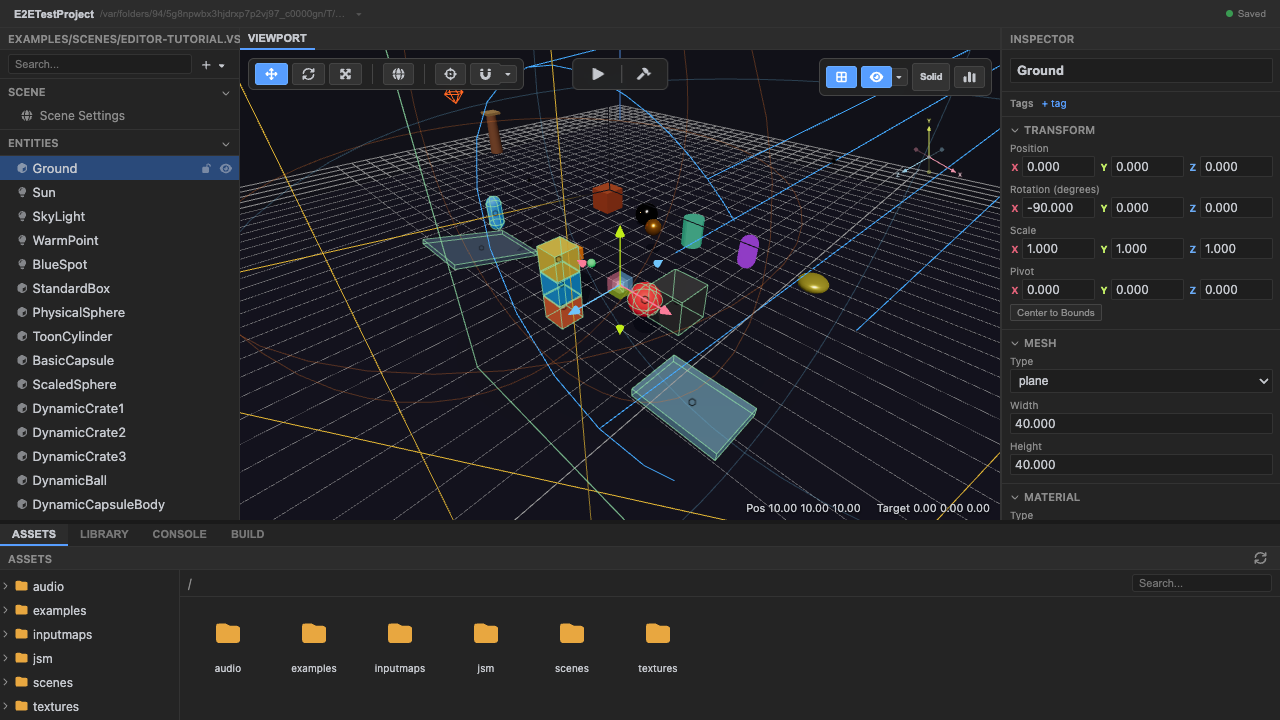
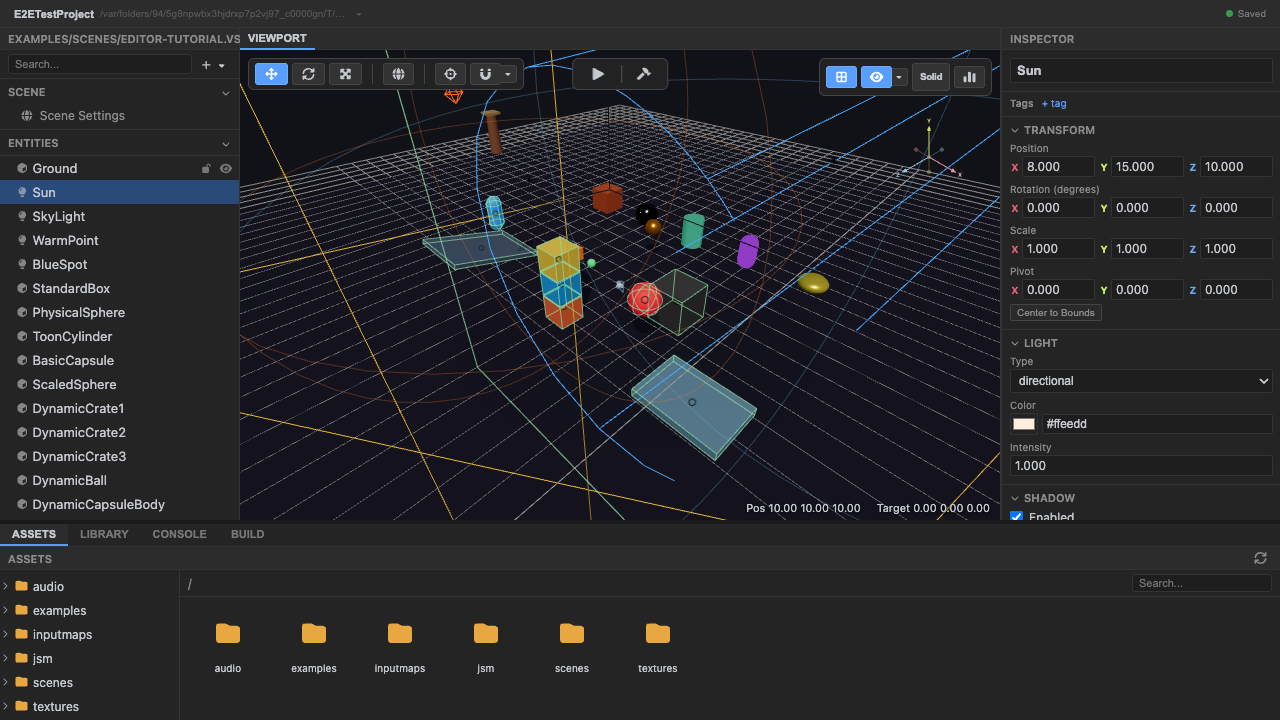
The hierarchy (left) lists every entity; the inspector (right) edits the selected one. Together they’re how you build and tune a scene.
Hierarchy
Section titled “Hierarchy”The hierarchy (packages/editor/src/components/GameHierarchy.tsx) is the entity tree — each
row is a Three.js Object3D. You can:
- select (click; shift-click to multi-select);
- drag to reparent;
- search / filter by name;
- toggle visibility;
- right-click for context actions;
- read kind icons (mesh, light, camera, …).
In play mode the tree becomes a live view of the running scene graph: objects the game spawns at runtime appear alongside authored entities (selectable and nudgeable, ephemerally), and each parent’s child list is capped with an ”… N more” row so a huge live scene stays scrollable.
Inspector
Section titled “Inspector”The inspector (packages/editor/src/components/Inspector.tsx) is adapter-driven, not a
fixed list: the active authoring adapter describes what the selection can edit, and the
inspector renders exactly those sections — Transform, the adapter’s own generic fields,
per-surface sections that own a real format, project tool sections.
With nothing selected, the inspector shows nothing — no box at all. What you click on determines what the inspector shows, and no click means no subject. Scene-global actions (like navmesh baking) live in the Debug menu, not in an empty inspector state.
See also
Section titled “See also”- Viewport, gizmo & view modes — manipulate the selection in 3D.
- Entities & components — the model behind the tree.