Bake project-owned terrain
site/media/lessons/scenes-batch.lesson.ts (4 steps) The terrain scene loads a normal project-owned GLB. Its source script uses native Three.js to
build a horizontal heightfield from a deterministic sum of sines, then bakes the result to the
model asset that the scene and its trimesh collider consume.
-
Open the terrain scene. The scene is already open — if you followed the link above, the terrain scene is loaded and rendering (in the local dev editor:
VGAI_PROJECT=examples/feature-scenes npm run dev, then openscenes/terrain.vscn.json).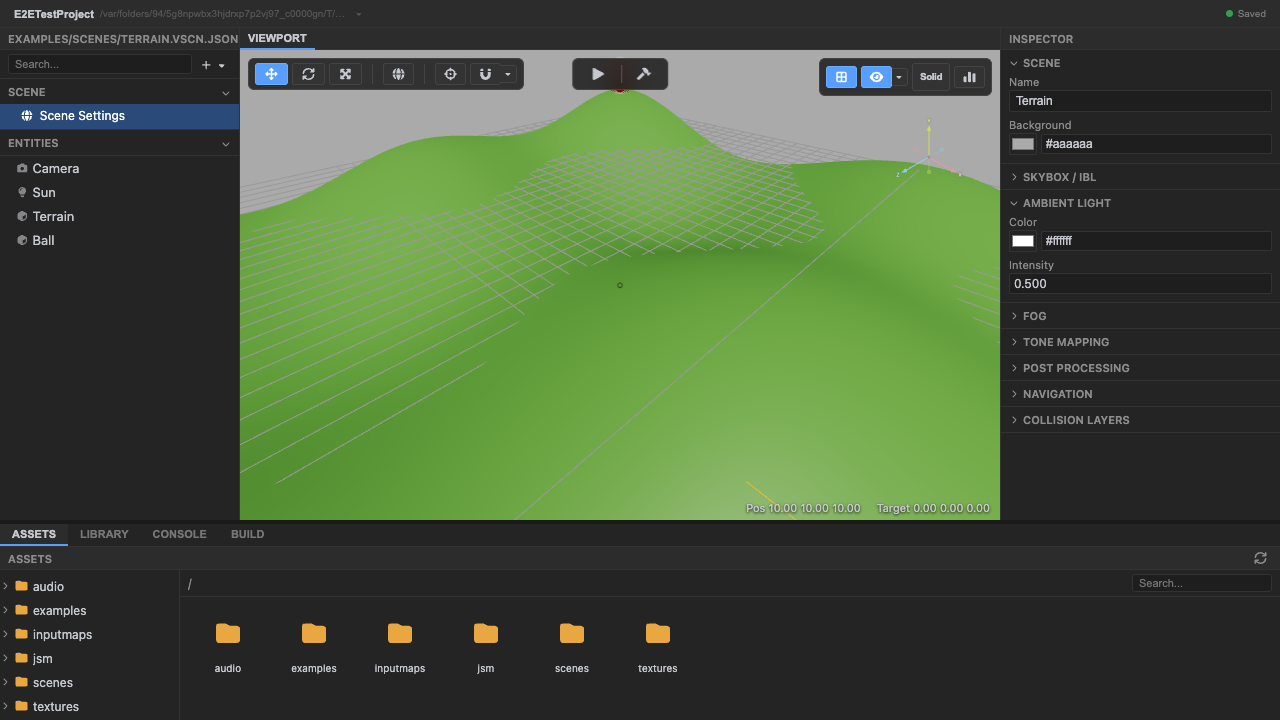
The terrain scene. -
Enter play mode — the project-owned GLB loads. The model contains an XZ plane displaced in +Y; the runtime does not need a terrain-specific engine type.
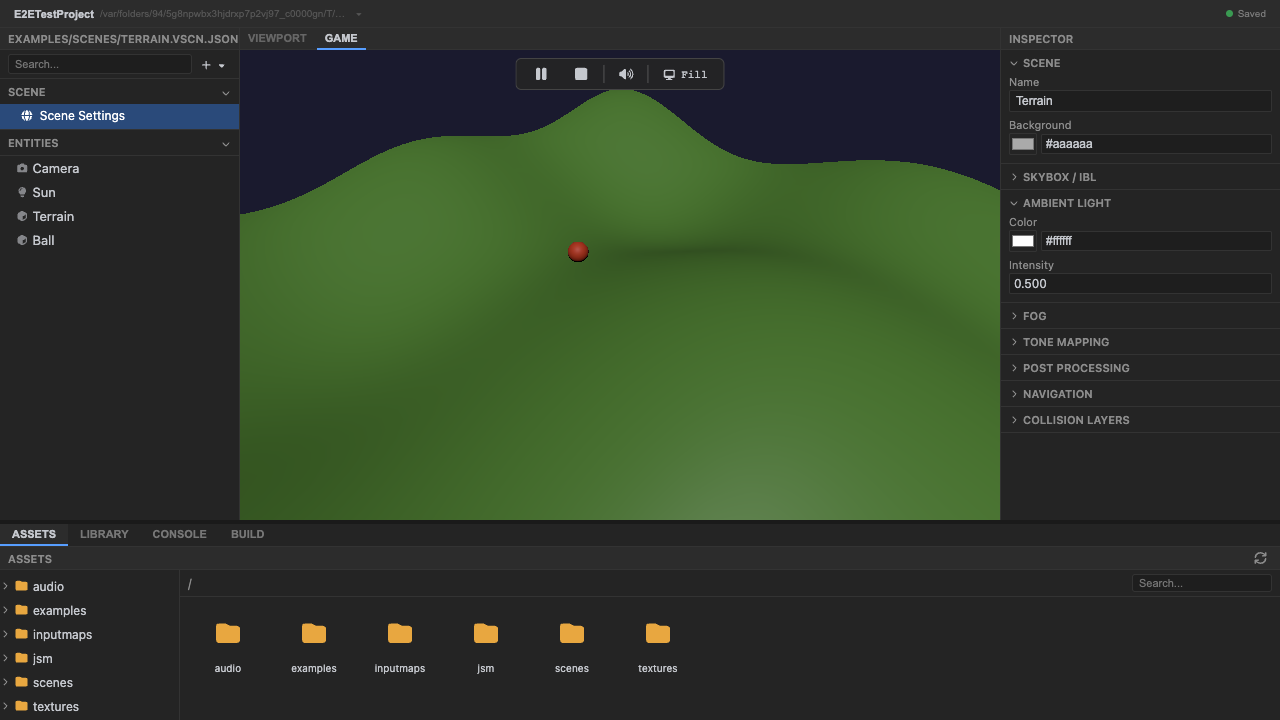
A generated heightfield. -
A baked sum-of-sines heightfield renders. The generation script owns
width,depth,segments,amplitude, andfrequency, and the resulting model pairs with atrimeshcollider that follows its actual surface.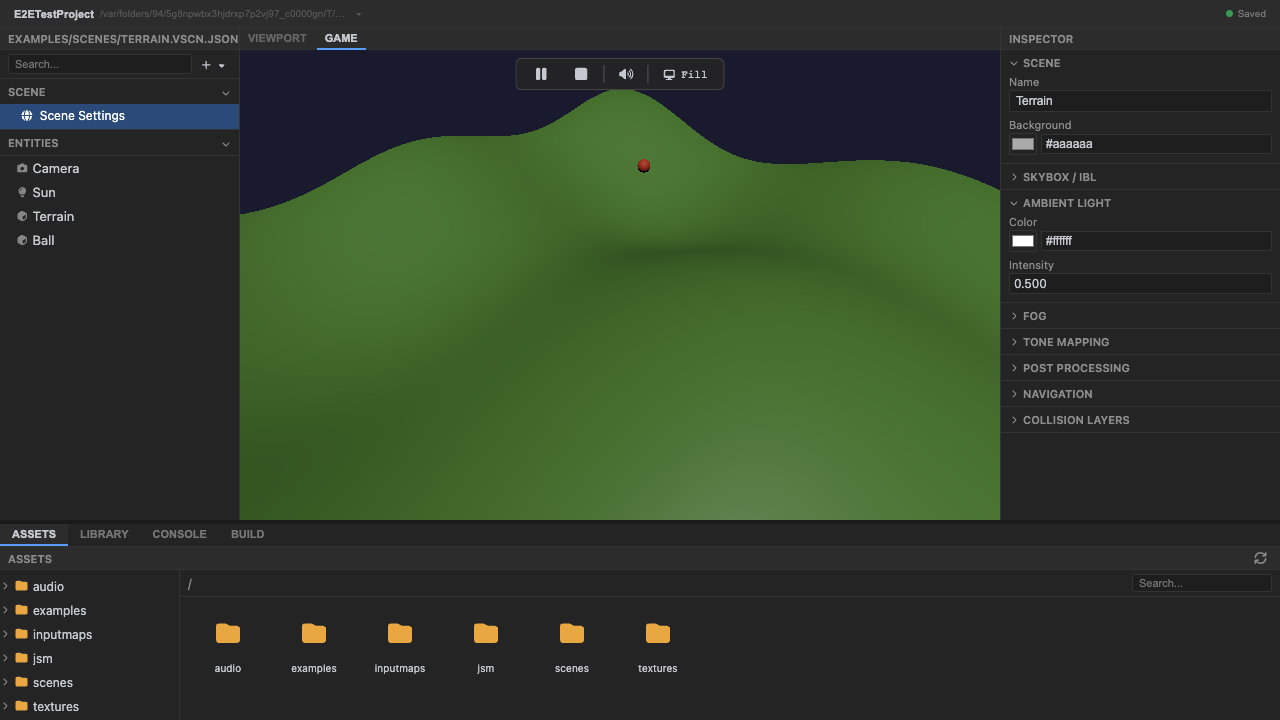
Deterministic terrain. -
Stop play mode. Press Stop (or
Escape).
Recap
New functionality
- Ran a scene using ordinary GLB terrain
- Saw a reproducibly baked heightfield
New concepts & skills
- Terrain is project-owned content
- Generation can use native Three.js directly
- The checked-in GLB pairs with a trimesh collider
Next lesson → Manual: Instancing, terrain & splines
On Your Own!
Extend what you built:
- Raise amplitude in the project generator for taller hills
- Regenerate the GLB with more segments
- Author a replacement terrain in Blender