Multiplayer: third-person tag arena
site/media/lessons/tierc-mp-batch.lesson.ts (5 steps) The arena is a full multiplayer game, not just a synced scene: a connect screen, a lobby, a
server-driven match loop, and AI bots — all owned by ArenaRoom. This capstone walks the
connection flow you can capture reliably, then explains the match loop from the server code.
-
Open the arena scene. Run
VGAI_PROJECT=examples/third-person-arena npm run dev— the project’s scene loads by default.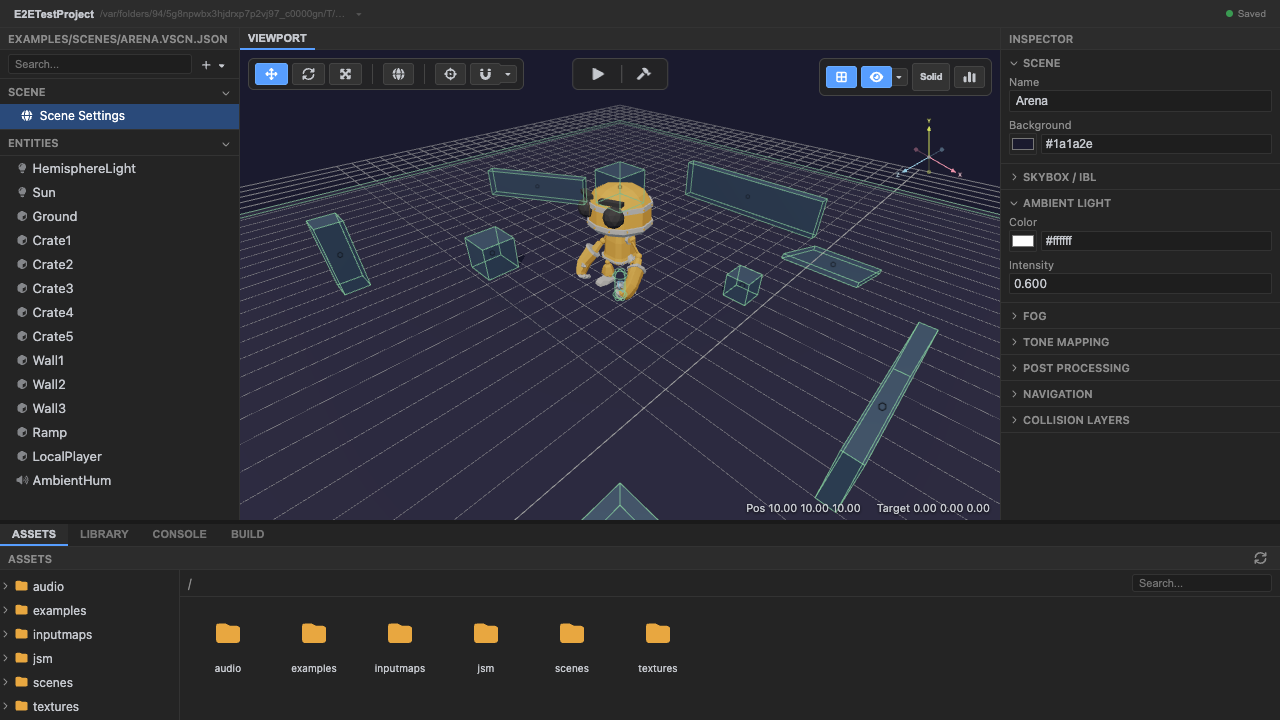
The tag arena, ready to run. -
Enter play mode — the example shows a connect screen. (Local dev only — this is multiplayer: the connect screen + match need the Colyseus server, so do this with
npm run devandnpm run server(the Colyseus bootstrap) both running. In the hosted editor, use the deep-link above to open and inspect the scene; it won’t show the connect screen.) Name, player color, bot count, and the server URL (ws://127.0.0.1:2567). The menu lives inphase-overlay.tsx.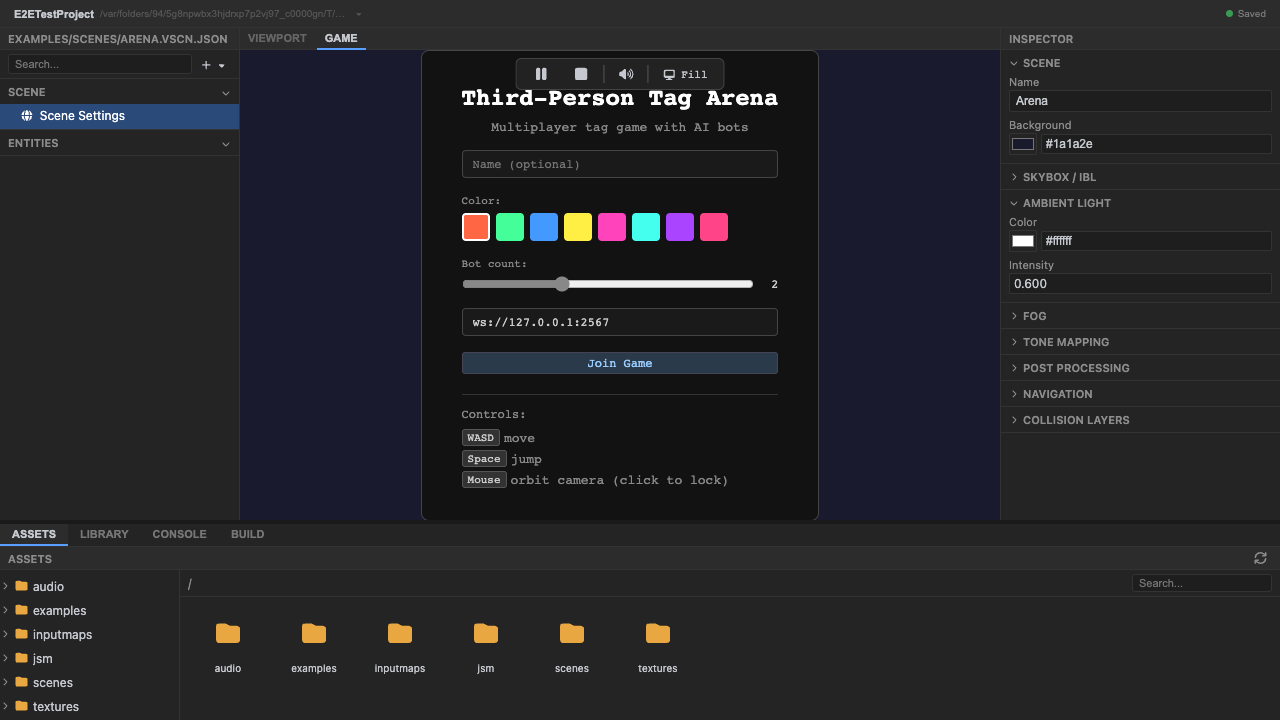
The connect form: name, color, bot count, server URL. -
Click Join Game — the client joins the arena room.
network.tsopens the room and the UI advances to the lobby phase.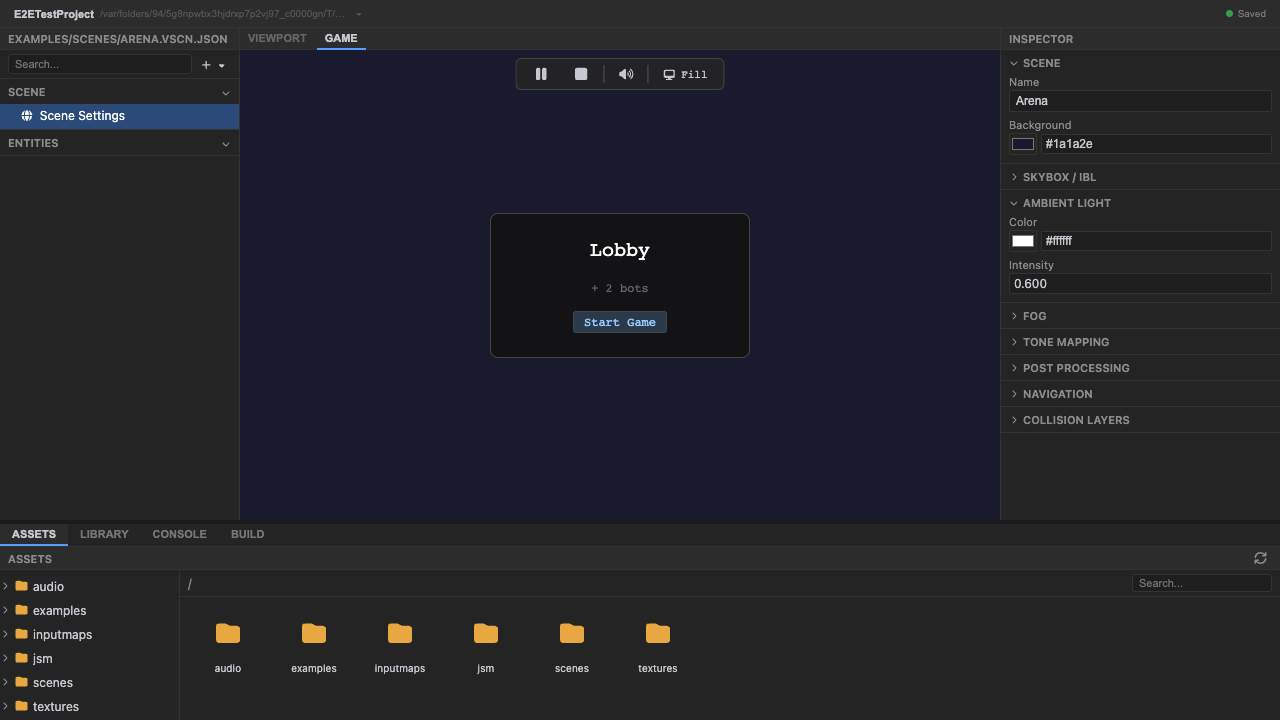
Connected: the lobby reads server state (+ 2 bots) and shows the host's Start Game. -
The lobby reflects server state. The
+ 2 botsline and the Start Game button are driven by the room: bots are server-spawned NPCs, and the button renders only for the host (view.isHost). Pressing it sendsstart_game, moving the room to the countdown.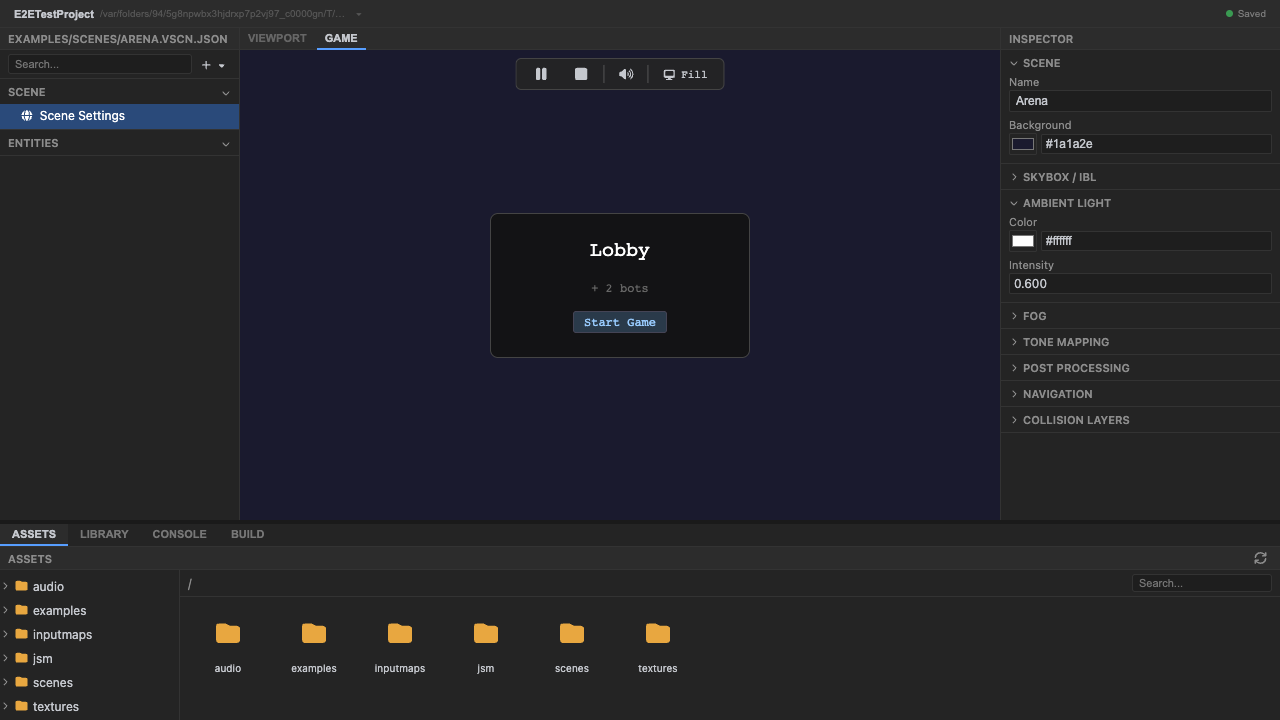
Server-driven lobby: spawned bots and host-only controls. -
Stop play mode. Press Stop (or
Escape) — the room connection closes.
Recap
New functionality
- Connected to a Colyseus room through a real lobby flow
- Read server-driven lobby state (spawned bots, host controls)
New concepts & skills
- A multiplayer game is a phase machine: lobby → countdown → playing → scoreboard
- start_game is host-gated and phase-gated on the server
- Tagging and AI bots are server-authoritative; clients send input and render state
Next lesson → Multiplayer: Colyseus rooms