
World code in action
site/media/lessons/foundations-components.lesson.ts (5 steps) The whole engine rests on one idea: the Three.js Object3D is the entity, and behavior
is ordinary React — a component in your world’s TSX calling useFrame. This lesson makes
that concrete — first the shape of a behaving component, then seeing it tick live.
A behaving component
Section titled “A behaving component”A three world is authored as TSX (src/world.tsx — the source is the document). Anything
that behaves is a component with a useFrame callback:
// A minimal behavior: spin an object every frame.import { useRef } from 'react';import { useFrame } from '@react-three/fiber';import type { Mesh } from 'three';
function Spinner({ speed = 1 }: { speed?: number }) { const ref = useRef<Mesh>(null); useFrame((_, dt) => { if (ref.current) ref.current.rotation.y += speed * dt; }); return ( <mesh ref={ref}> <boxGeometry /> <meshStandardMaterial color="tomato" /> </mesh> );}- The ref’s target is the entity — there is no separate handle. It is a
THREE.Object3D, and every call on it is Three’s own API. - Props are the configuration — the editor’s inspector types them straight from the JSX literal; there is no schema to declare separately.
useFrameruns in the loop — per-frame work happens inside the engine’s fixed phase order, so physics, input, and rendering see a consistent world every tick.- Engine services come from the world context — input, physics, audio, deterministic
RNG (
packages/engine/src/world3d-react/world-context.ts). A subsystem the world did not declare is a compile error, not a runtime surprise.
See it run
Section titled “See it run”-
Open a scene whose entities carry per-frame code. Run
VGAI_PROJECT=examples/first-person npm run dev— the project’s world loads by default.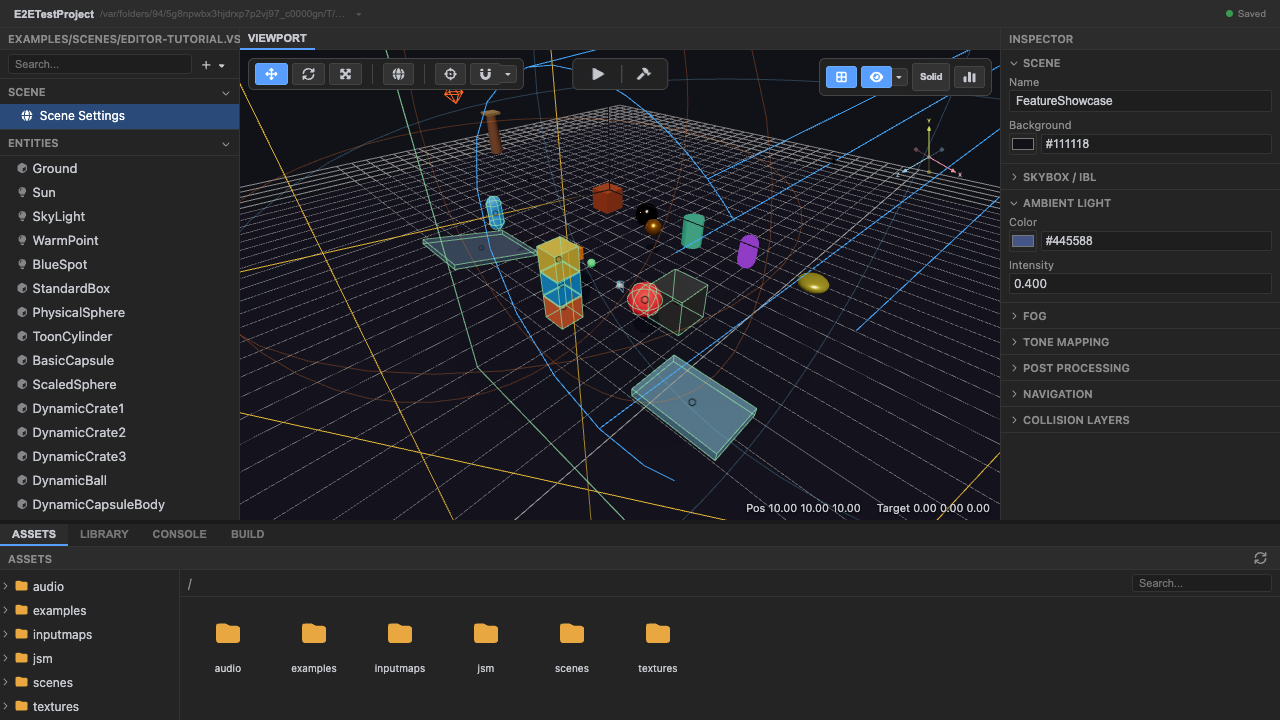
A world whose entities carry per-frame code. -
Enter play mode — every
useFramecallback runs each tick. Press Play; the loop begins ticking and every mounted component’s callback fires in order.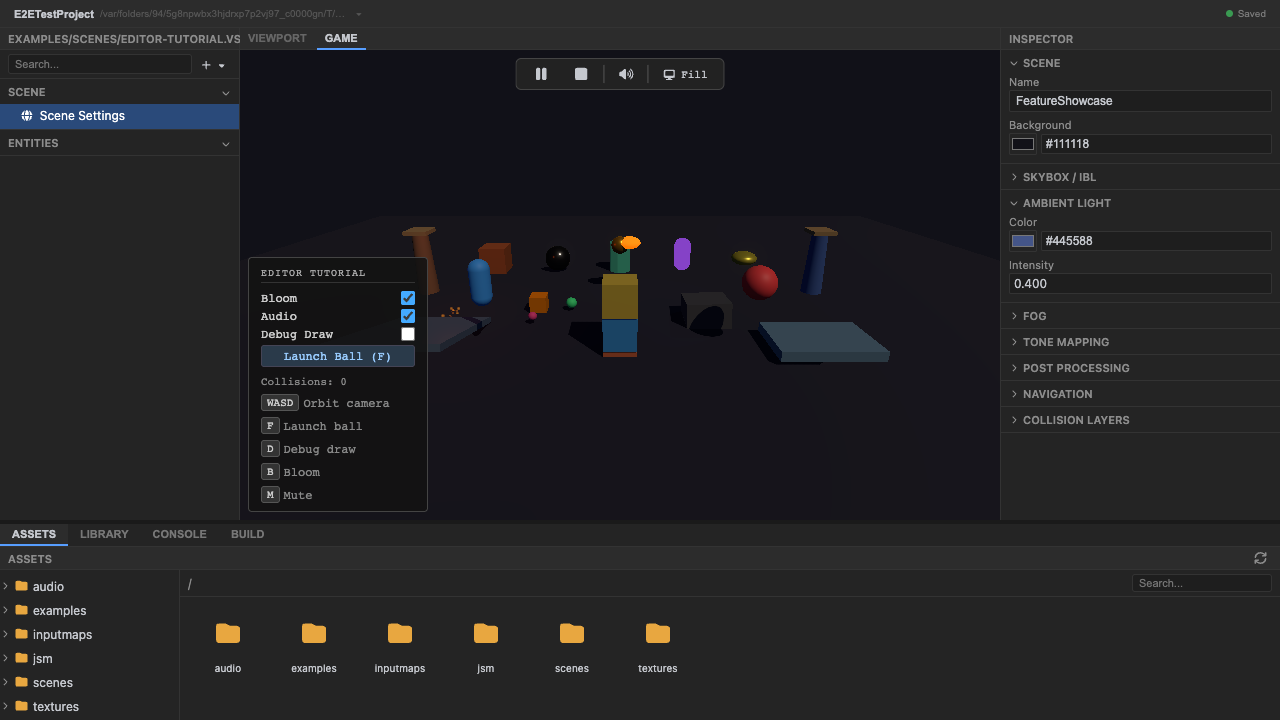
World code ticks once play starts. -
Watch world code drive animation and physics. The motion you see is components mutating their own objects each frame.
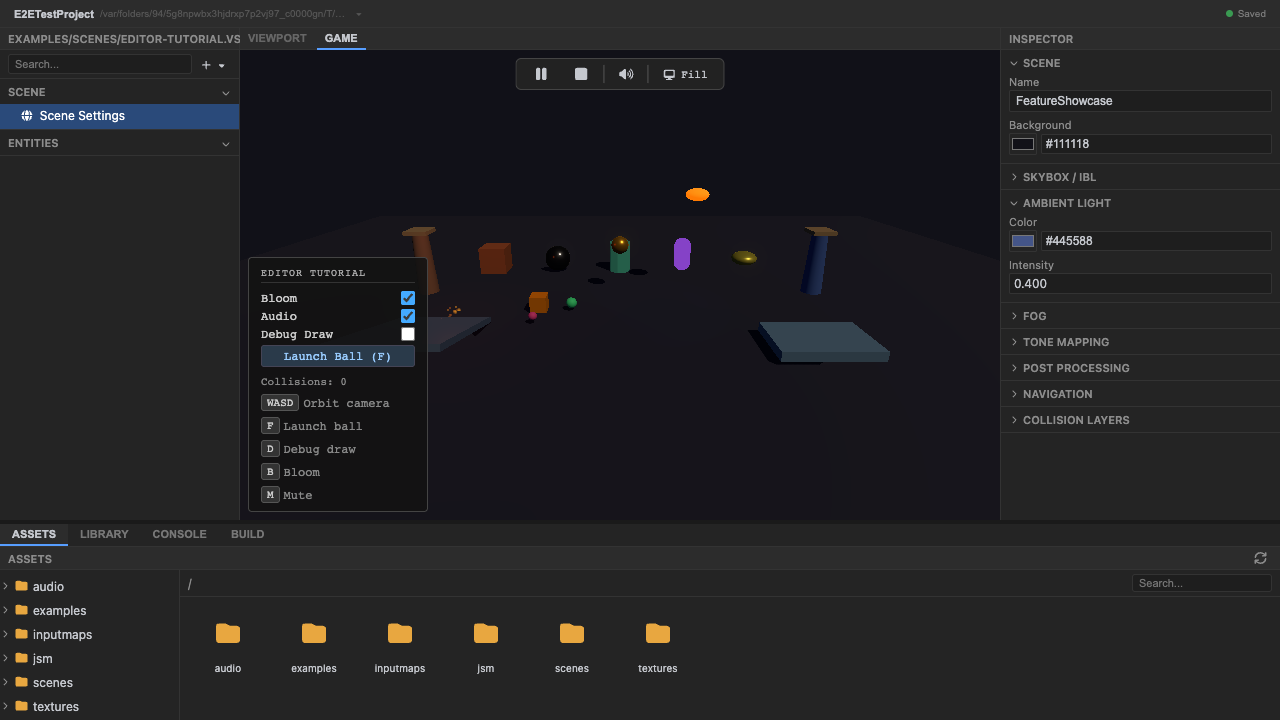
Per-frame callbacks in action. -
Per-frame code runs in the loop’s fixed phase order — input → … → gameLogic → … → render.
-
Stop play mode. Press Stop (or
Escape) — components unmount, cleanups run, and the runtime tears down.
Recap
New functionality
- Watched per-frame useFrame callbacks drive motion in play mode
- Stopped play mode and saw component cleanups tear the runtime down
New concepts & skills
- A thing that behaves is a component calling useFrame — per-frame work runs in the fixed phase order
- Props are configuration and hooks are state, so the world's source is the only authority
Next lesson → Worlds and roots (manual)