Load and play a GLTF model
site/media/lessons/tierc-batch.lesson.ts (4 steps) Littlest Tokyo is a GLTF diorama with baked animation. The example loads it through vgai’s
shared loader — one GLTFLoader on one LoadingManager, with DRACO decompression wired in —
then plays its clips with a plain THREE.AnimationMixer.
-
Open a scene with a GLTF model. These captures show the retired Littlest Tokyo scene; the same flow applies to any project that loads a GLTF at runtime (e.g.
VGAI_PROJECT=examples/game-animation npm run dev).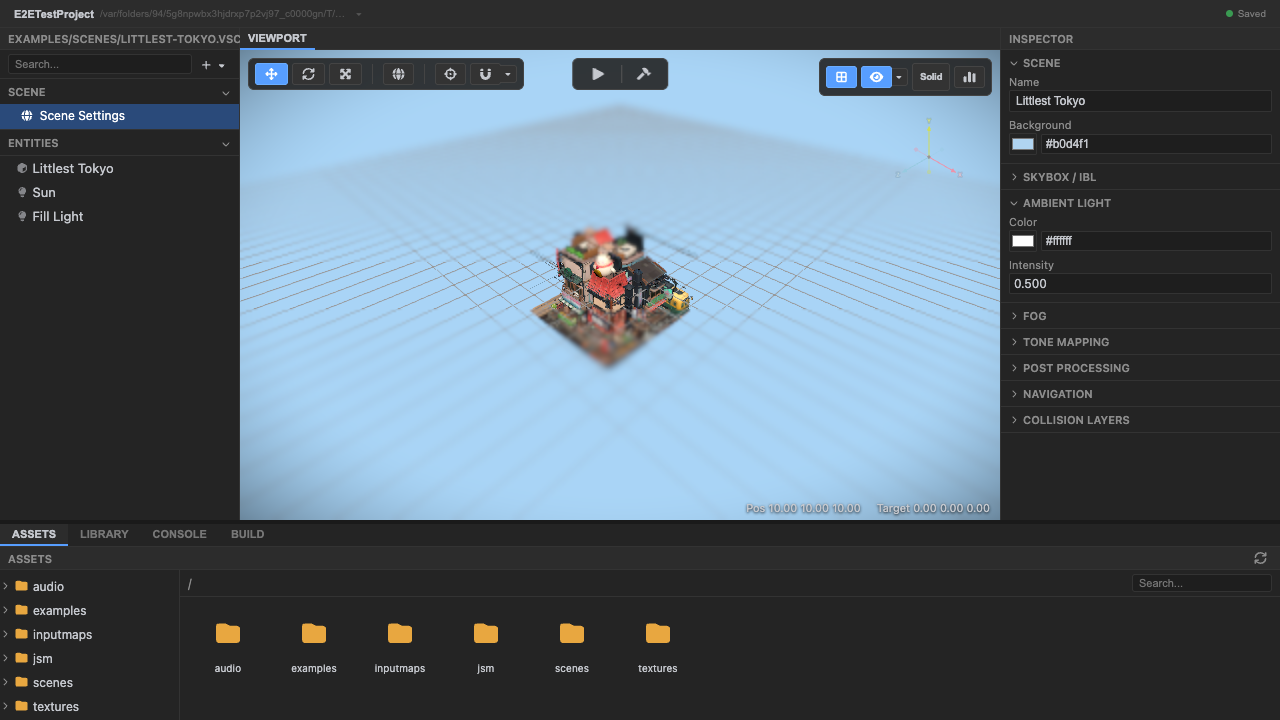
A GLTF diorama, ready to load at runtime. -
Enter play mode — the shared
gltfLoaderloads the model. The example loads the model through the engine’s shared loader, so DRACO meshes are handled for you. Note the path is a plain relative URL — the sharedLoadingManagerrewrites it with the asset prefix, so loaders don’t needresolveUrl(that helper is only for rawfetch()calls):// littlest-tokyo loads the model directly for mixer accessimport { gltfLoader } from '@engine/loader';gltfLoader.load('models/LittlestTokyo.glb', (result) => {// result.scene, result.animations});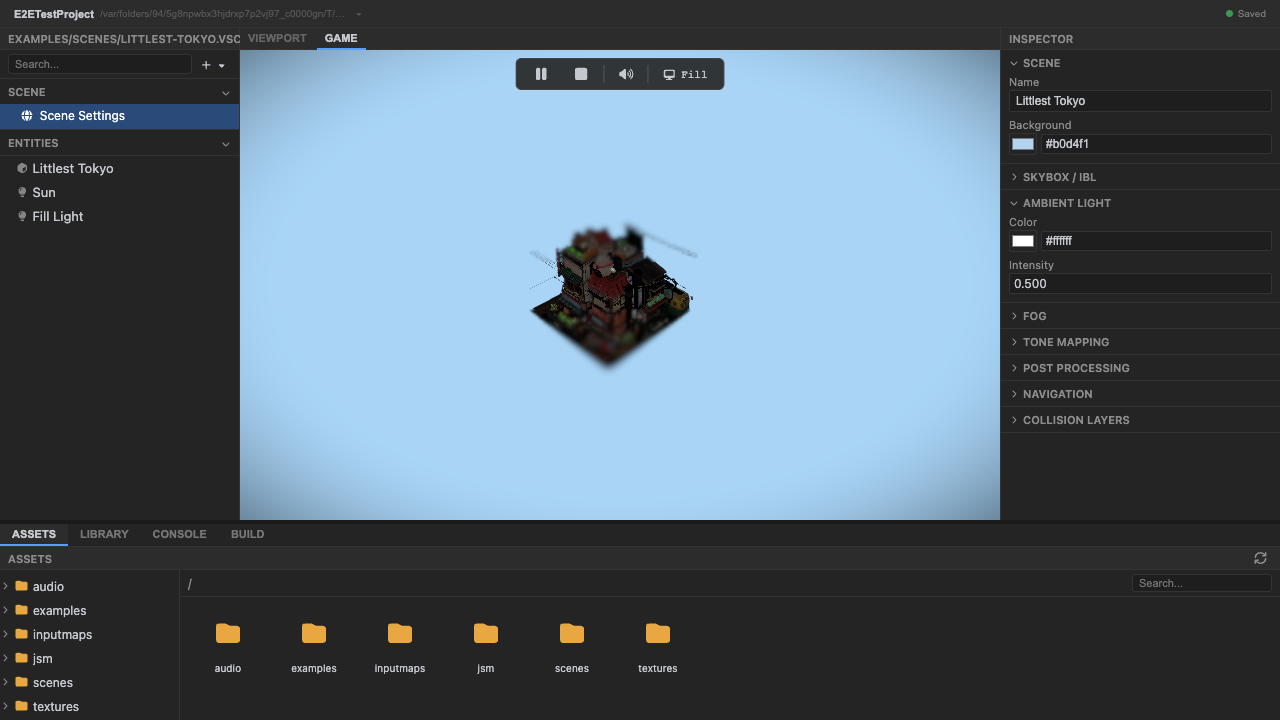
The GLTF, decoded and added to the scene. -
A
THREE.AnimationMixerplays the model clips. The baked clips ride along in the GLTF; the example drives them with a plain mixer directly (no XState machine needed for a fixed-playback asset — the XState animation binding is for gameplay-driven state, like the third-person capstone’s idle/walk/run):const mixer = new THREE.AnimationMixer(tokyoModel);for (const clip of gltf.animations) mixer.clipAction(clip).play();// ...ticked each frame: mixer.update(dt)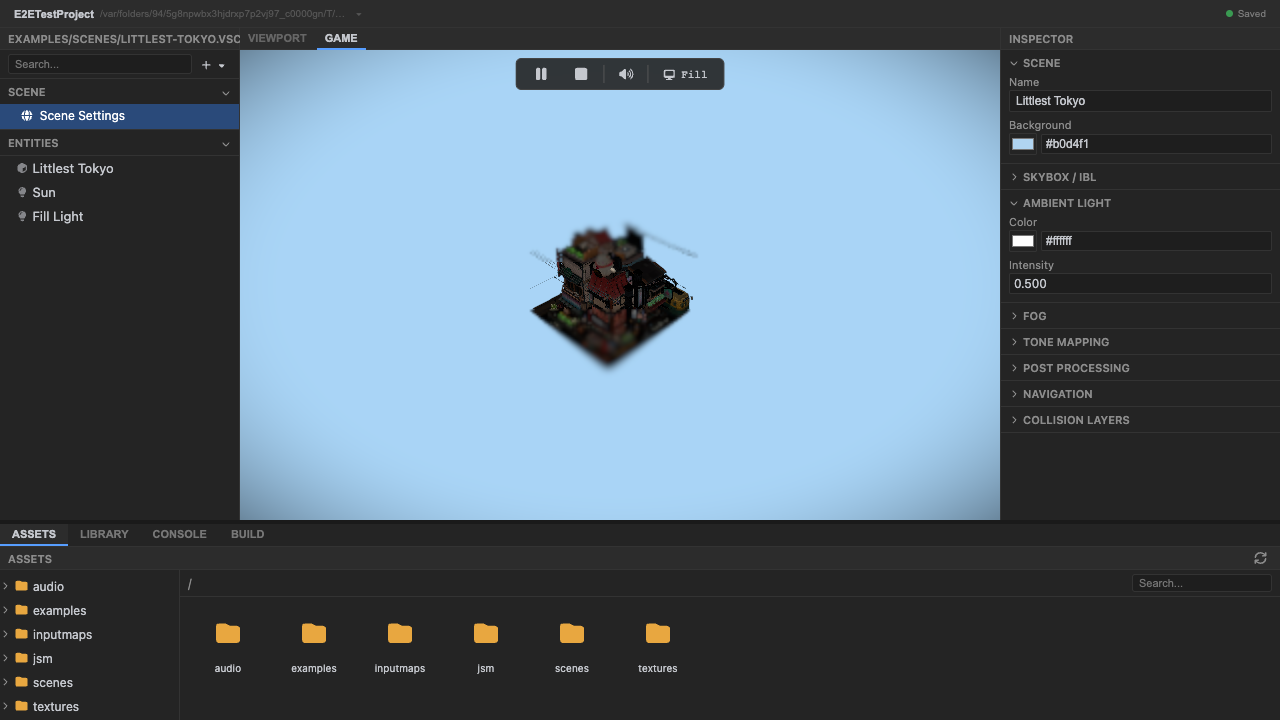
The mixer plays every baked clip. -
Stop play mode. Press Stop (or
Escape).
Recap
New functionality
- Loaded a GLTF model at runtime
- Played its baked clips with a THREE.AnimationMixer
New concepts & skills
- One shared GLTFLoader + LoadingManager (DRACO-enabled) handles model loading
- The LoadingManager rewrites loader URLs with the asset prefix; resolveUrl is only for raw fetch()
- Two dedup layers sit on top: the scene loader's loadGLTF cache, and ctx.assets (createAssetCache) for gameplay
Next lesson → Manual: assets & loading
On Your Own!
Extend what you built:
- Open loader.ts and find where DRACO is attached to the GLTFLoader
- Read createAssetCache() and trace how a repeated URL returns the cached promise
- Adjust the animation-speed slider and watch mixer.timeScale change