Hear spatial & procedural audio
site/media/lessons/scenes2-batch.lesson.ts (4 steps) The third-person scene wires procedural sounds: its character plays footstep while moving and
jump on jump, mixed through the audio buses with the listener on the camera.
-
Open a scene with spatial audio. The scene is already open — if you followed the link above, the third-person scene is loaded and rendering (in the local dev editor:
VGAI_PROJECT=examples/third-person-action npm run dev).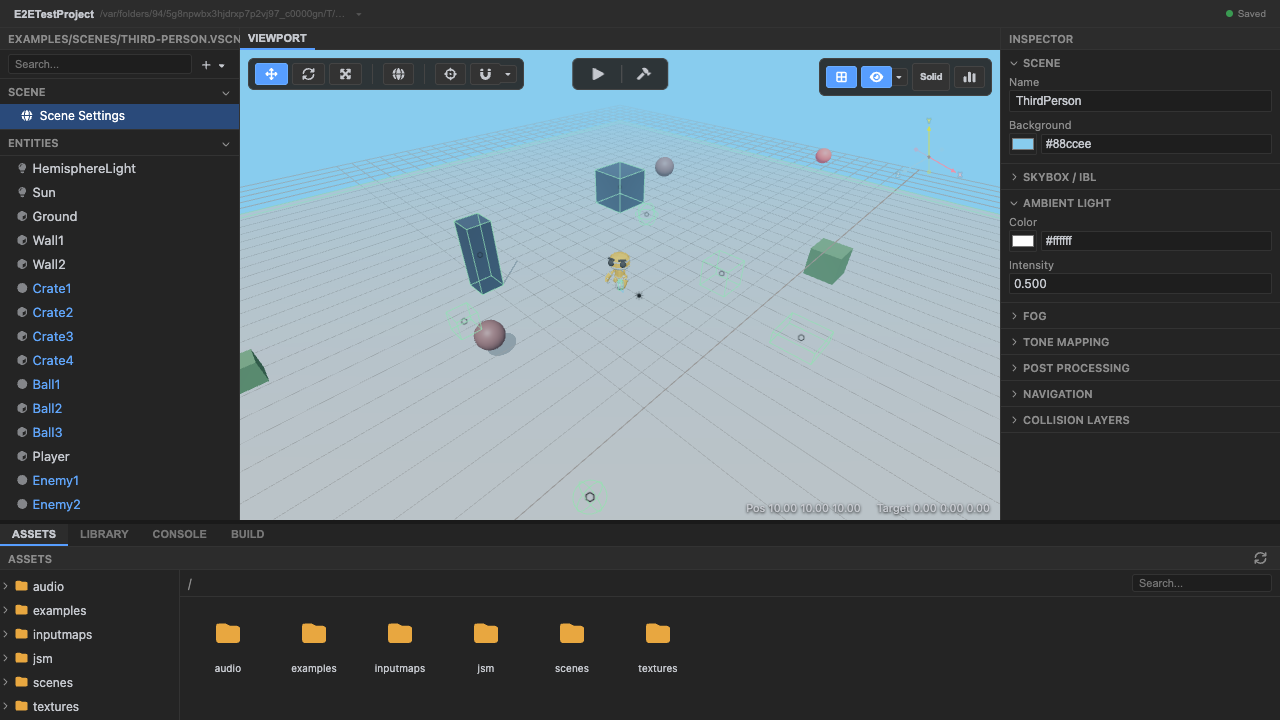
A scene with audio. -
Enter play mode — the audio listener attaches to the camera. Setup creates the listener, a master gain, and music / sfx / voice buses; the listener rides the camera so spatial sounds are heard from its position.
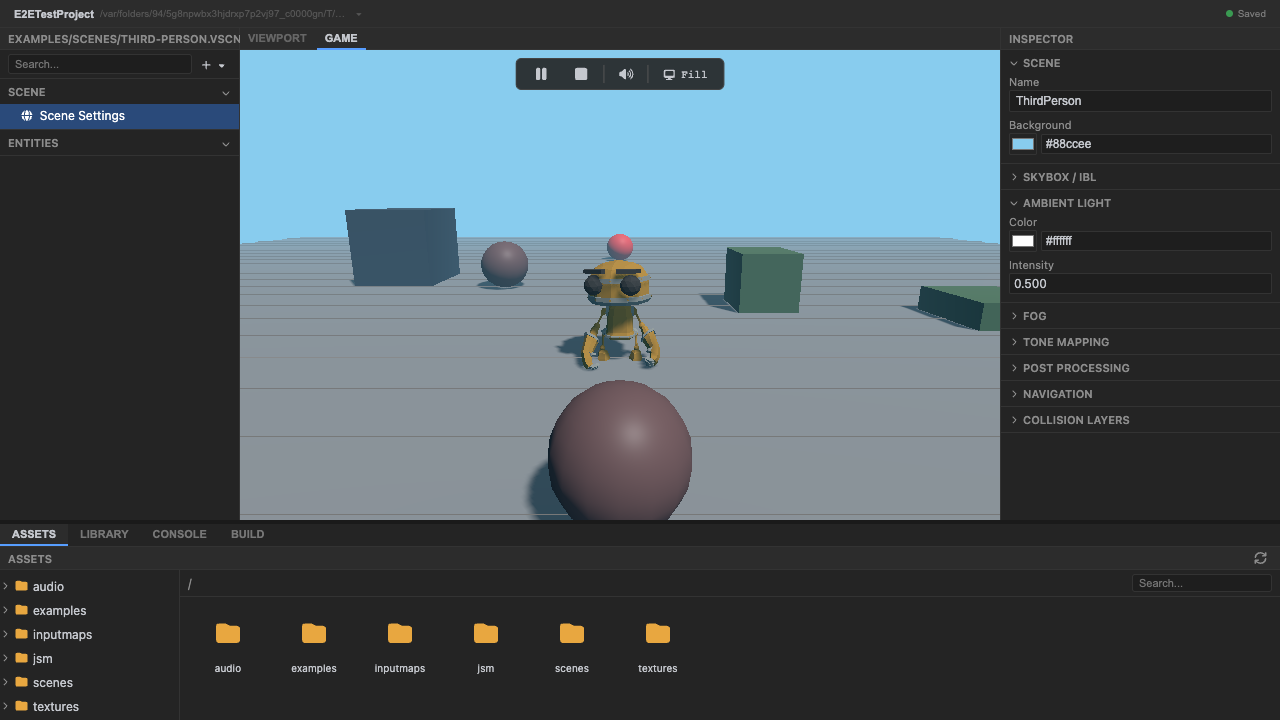
The listener is on the camera. -
Move with WASD to trigger footstep and jump sounds. The character’s controller plays the procedural
footstep(andjump) helpers as it moves — synthesized, no asset files.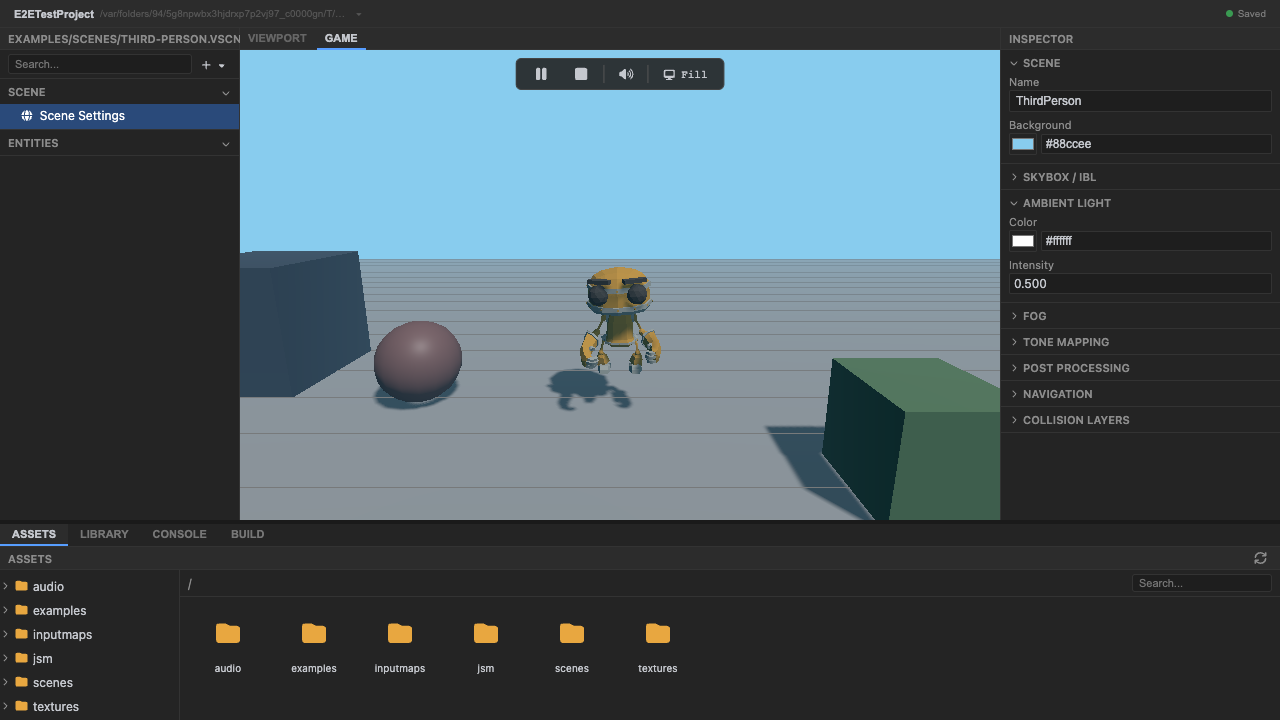
Movement triggers procedural sounds. -
Stop play mode. Press Stop (or
Escape).
Recap
New functionality
- Ran a scene with audio
- Triggered procedural footstep/jump sounds by moving
New concepts & skills
- The listener attaches to the camera; sound routes through music/sfx/voice buses
- Procedural helpers synthesize sounds with no asset files
- Browsers start audio suspended — resume() on first interaction
Next lesson → Manual: Audio
On Your Own!
Extend what you built:
- Make a sound spatial and tune refDistance/rolloffFactor/maxDistance
- Route a sound to the music bus and lower that bus's gain
- Try other procedural helpers (impacts, weapons, ui)