See physics bodies & colliders
site/media/lessons/physics-debug.lesson.ts (5 steps) The fastest way to understand vgai physics is to see the colliders. The editor-tutorial scene has physics bodies with colliders; the debug view draws every collider as a wireframe.
-
A scene with physics bodies and colliders. The scene is already open — if you followed the link above, the editor-tutorial scene is loaded and rendering (in the local dev editor:
VGAI_PROJECT=examples/editor-tutorial npm run dev). Several entities carry aphysicsbody + acollider(cuboid / ball / capsule / trimesh).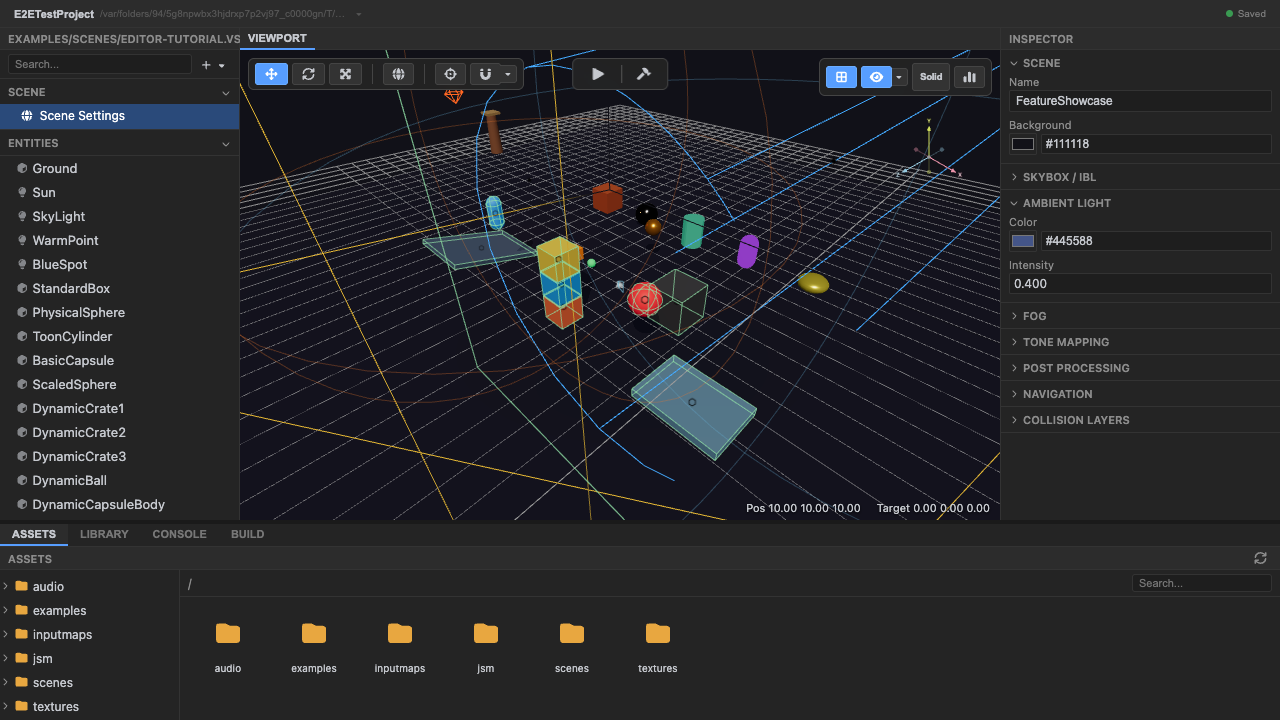
A scene with physics bodies. -
Enter play mode — the Rapier world steps. Press Play. Bodies fall and rest under gravity as the Rapier world advances each tick.
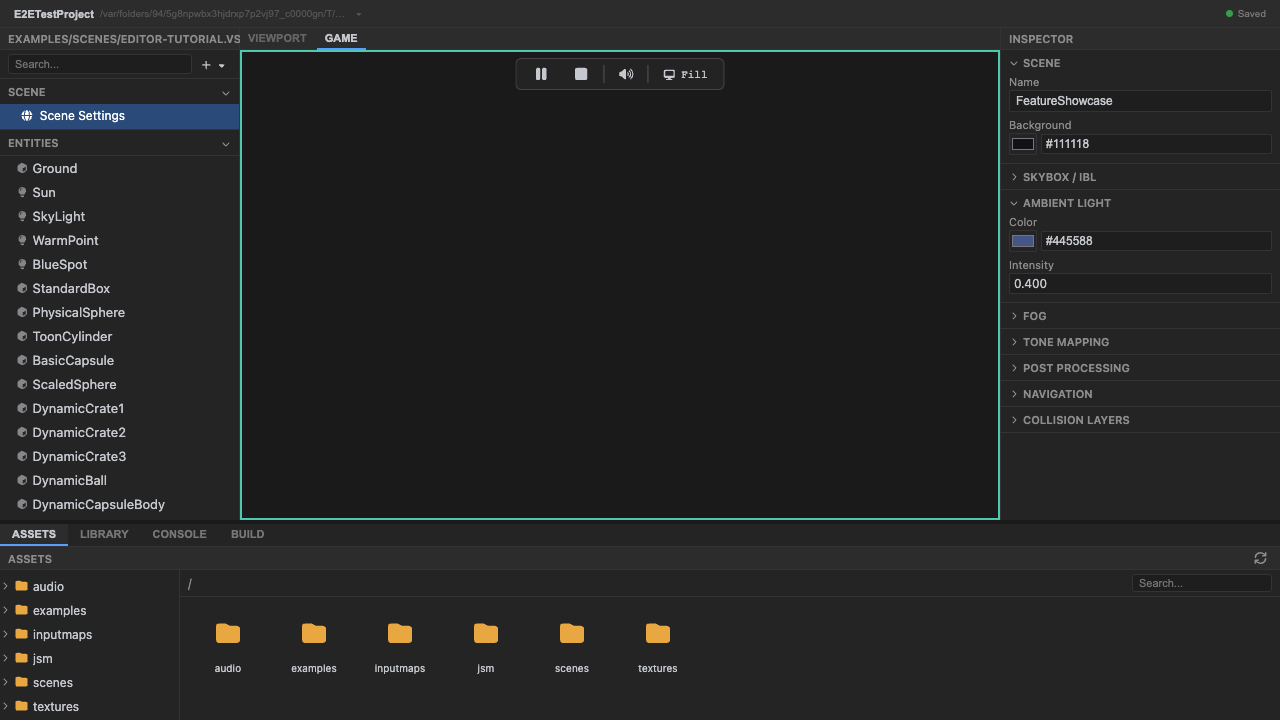
The Rapier world steps in play mode. -
Toggle the physics debug view with
P. This draws collider shapes fromrapierWorld.debugRender().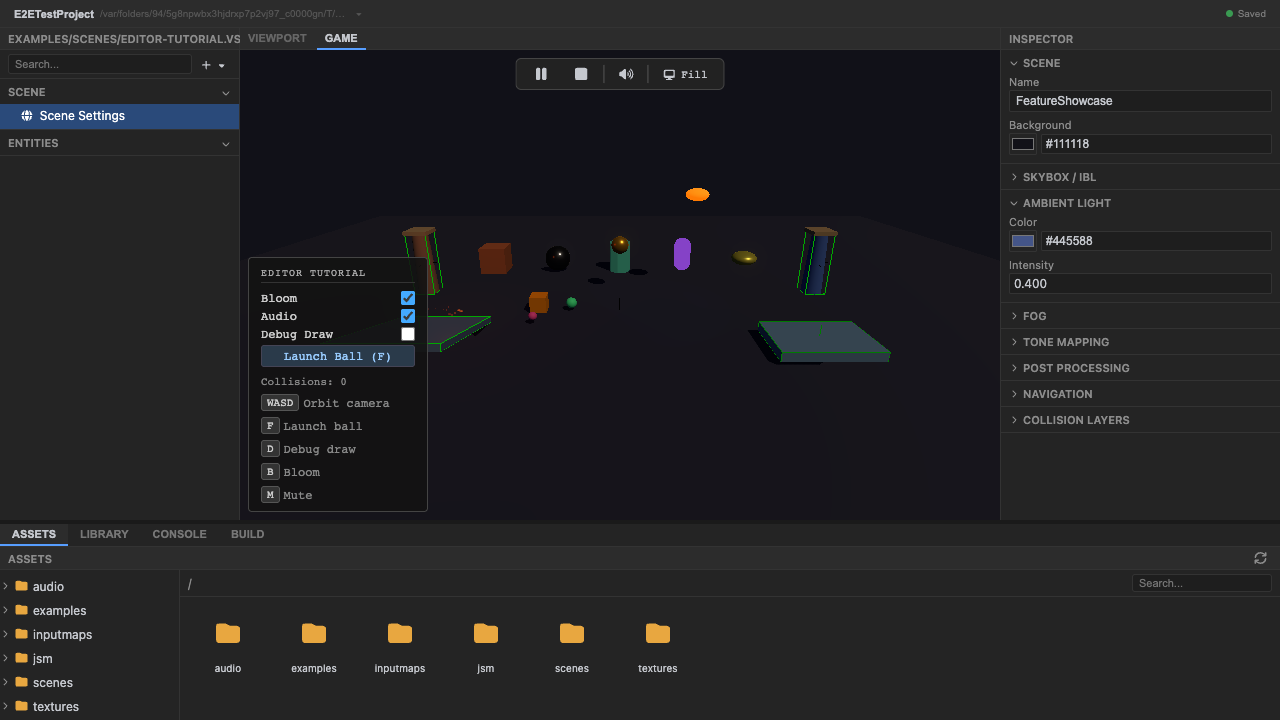
Press P for the collider overlay. -
Collider wireframes overlay the scene. Each body’s collider is outlined — confirm the collider matches the visual mesh.
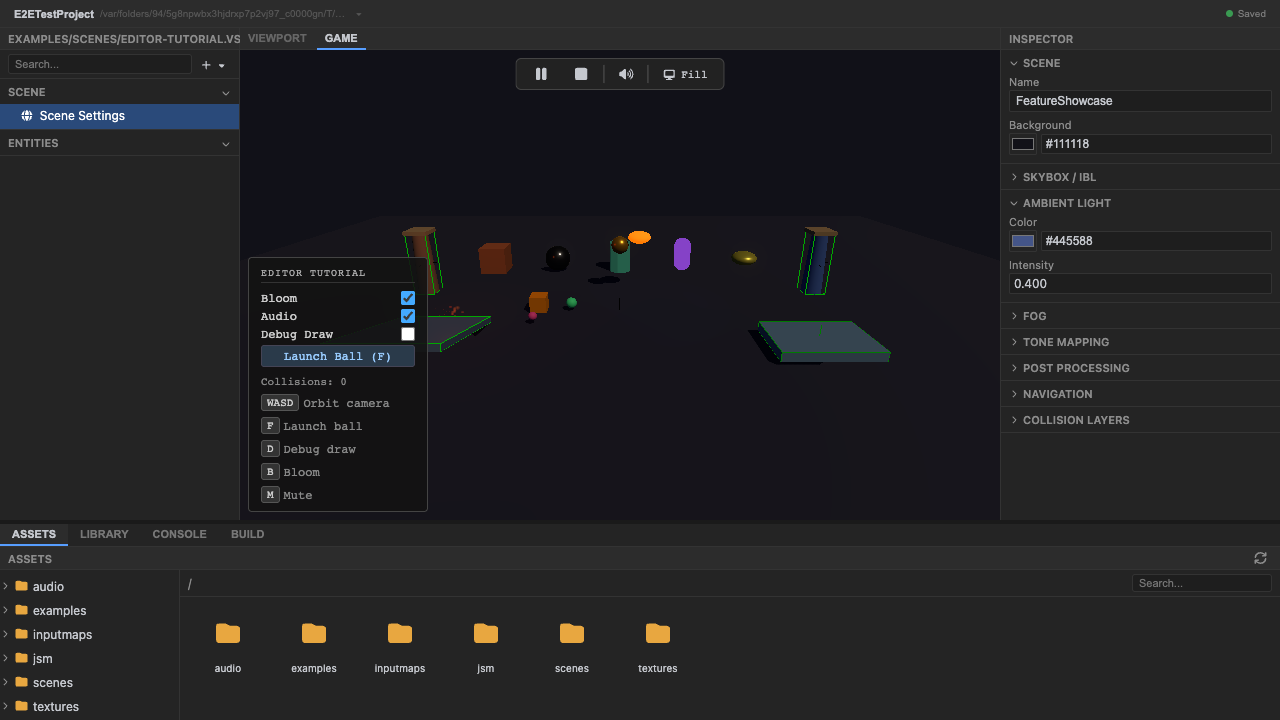
Collider wireframes. -
Stop and return to editing. Press Stop (or
Escape).
Recap
New functionality
- Ran a physics scene
- Toggled the collider debug overlay
New concepts & skills
- Colliders define collision shapes (cuboid/ball/capsule/trimesh)
- Contacts surface as collision events, drained in postPhysics
- P toggles rapierWorld.debugRender()
Next lesson → Manual: Colliders
On Your Own!
Extend what you built:
- Add a sensor collider (isSensor: true) and wire an onTriggerEnter
- Change a collider's restitution and watch the bounce
- Compare the wireframe to the mesh to spot a mismatched collider