Inverse kinematics arm
site/media/lessons/capstones-batch.lesson.ts (5 steps) The ik example (examples/ik/) shows skeletal inverse
kinematics: an articulated arm whose tip (effector) tracks a moving orb via the IKChain
GameComponent, which wraps Three.js’s CCDIKSolver.
Run it
Section titled “Run it”-
Open the IK scene. Run
VGAI_PROJECT=examples/ik npm run dev— the project’s scene loads by default.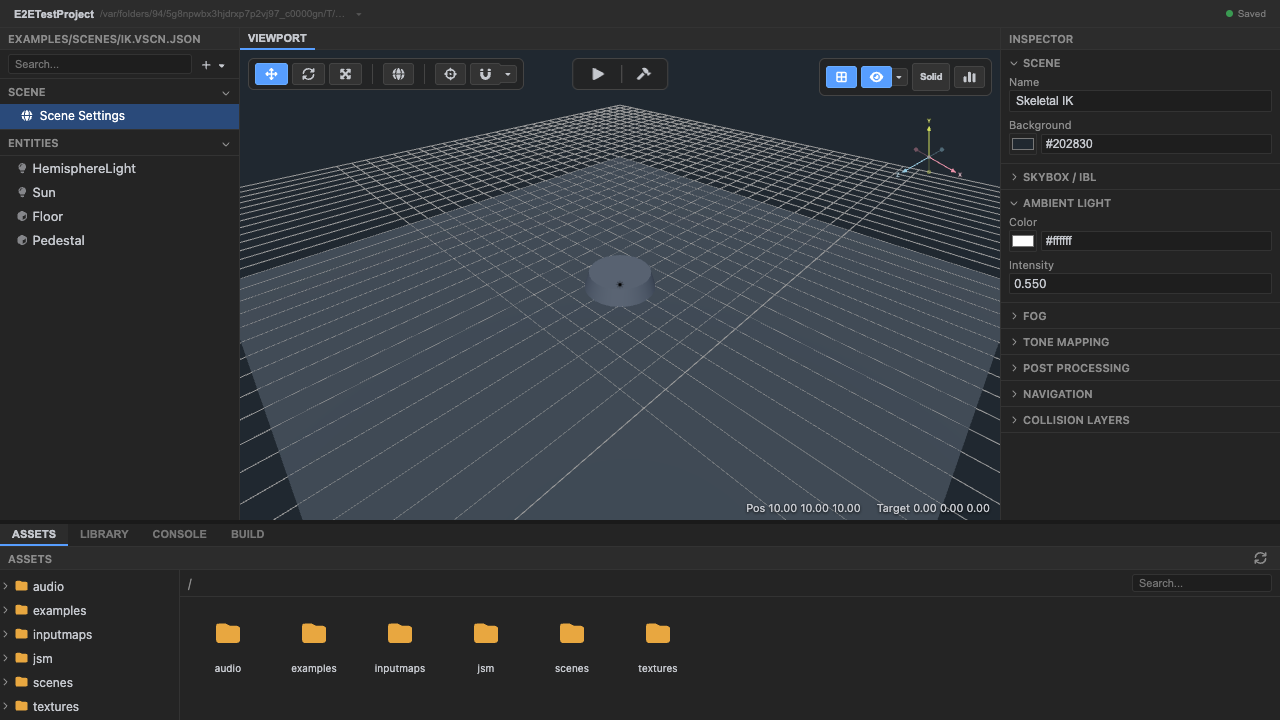
The IK arm and target orb. -
Enter play mode. Press Play.
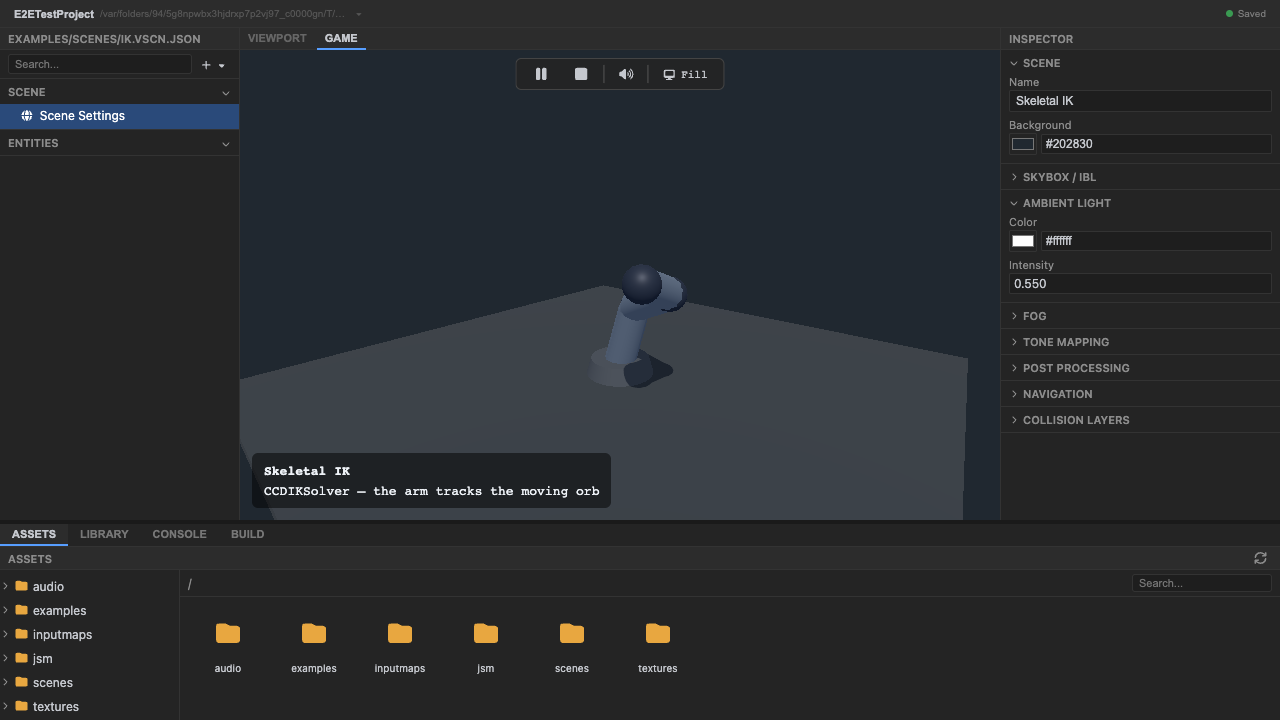
Play mode. -
Watch the arm track the moving orb. The orb moves; the arm’s tip follows it.
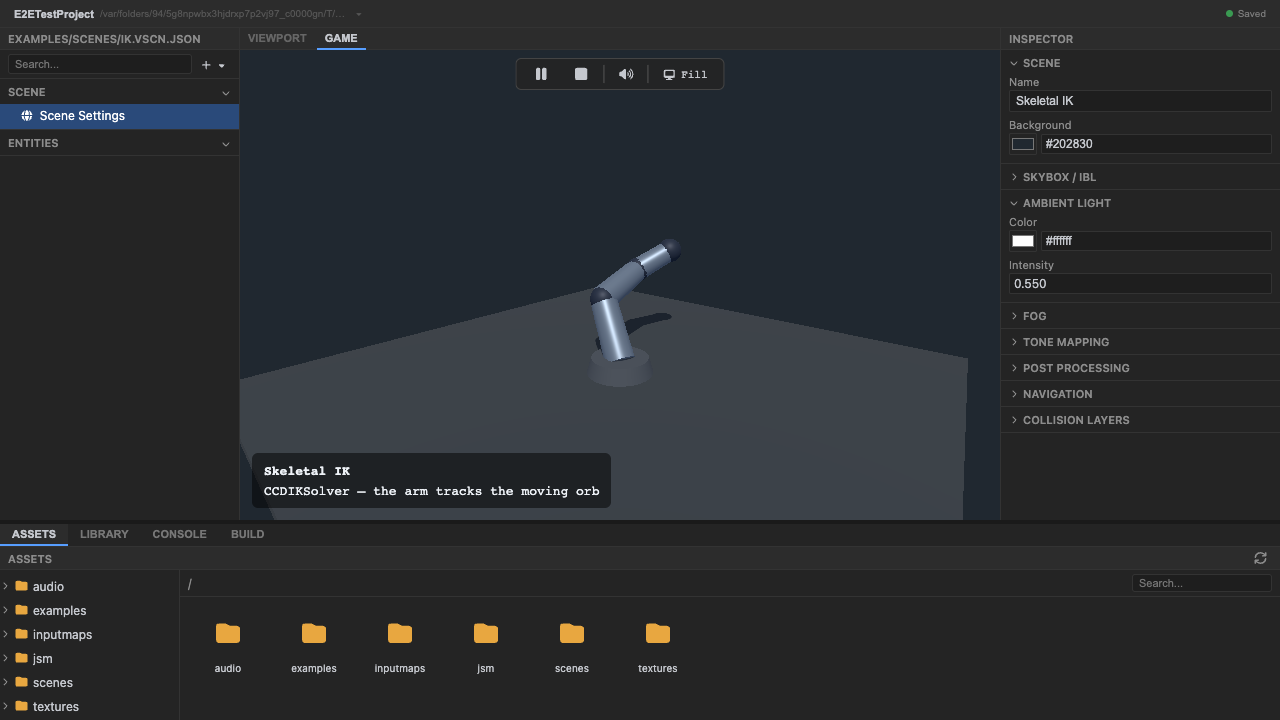
The effector tracks the target. -
The whole chain bends each frame to reach the target. Every bone in the chain rotates so the tip reaches the orb — that’s the inverse-kinematics solve.
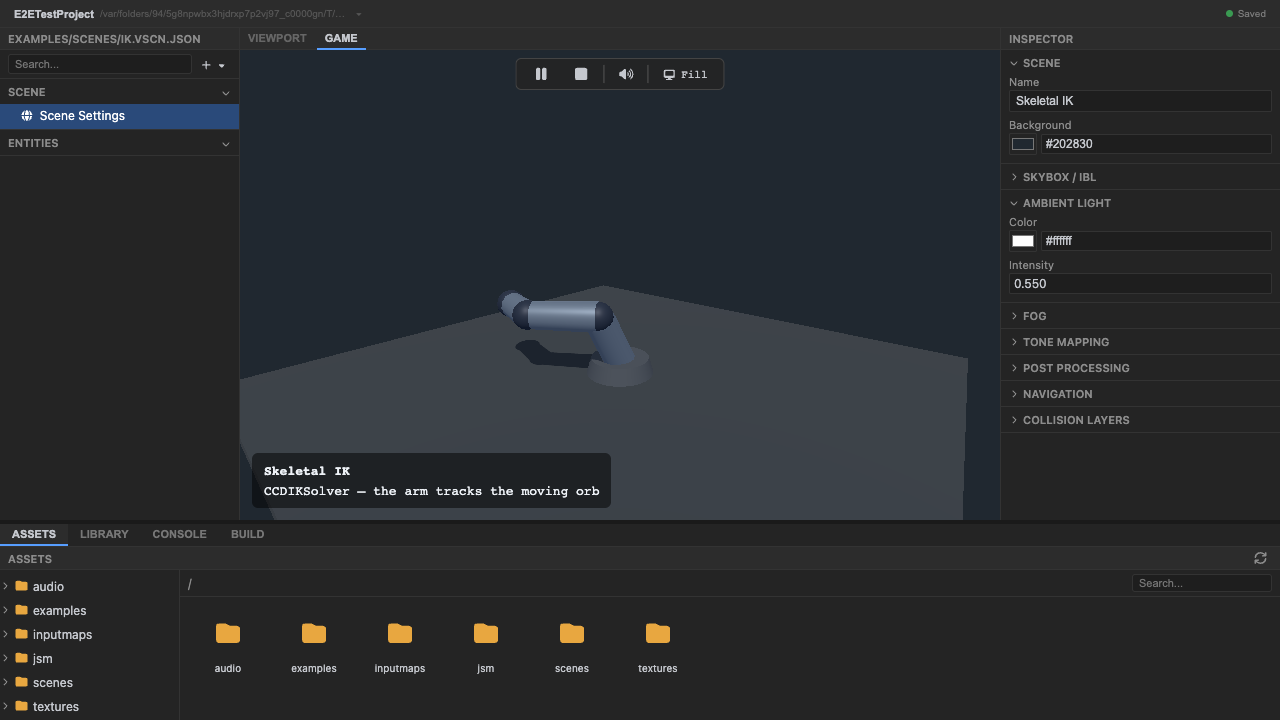
The whole chain solves each frame. -
Stop play mode. Press Stop (or
Escape).
How it works
Section titled “How it works”The IKChain component (phase preRender) wraps CCDIKSolver. It’s configured with the bone
chain (root → effector), a target bone, and CCD iterations. Running in preRender — after
the animation phase — means IK refines whatever pose animation produced. IKChain is general:
it works on any skinned mesh and any bone chain.
Recap
New functionality
- Ran the IK example
- Watched the arm track a moving target
New concepts & skills
- IKChain bends a bone chain so its effector reaches a target
- IK runs in preRender, after animation, to refine the pose
- The component is general across rigs
Next lesson → Manual: Inverse kinematics