Vehicle driving
site/media/lessons/capstones-batch.lesson.ts (5 steps) The vehicle example (examples/vehicle/) uses a Rapier
DynamicRayCastVehicleController with 4-wheel suspension, front-wheel drive, smooth
steering, ramps, and dynamic obstacles to knock around.
Run it
Section titled “Run it”-
Open the vehicle scene. Run
VGAI_PROJECT=examples/vehicle-starter npm run dev— the project’s scene loads by default.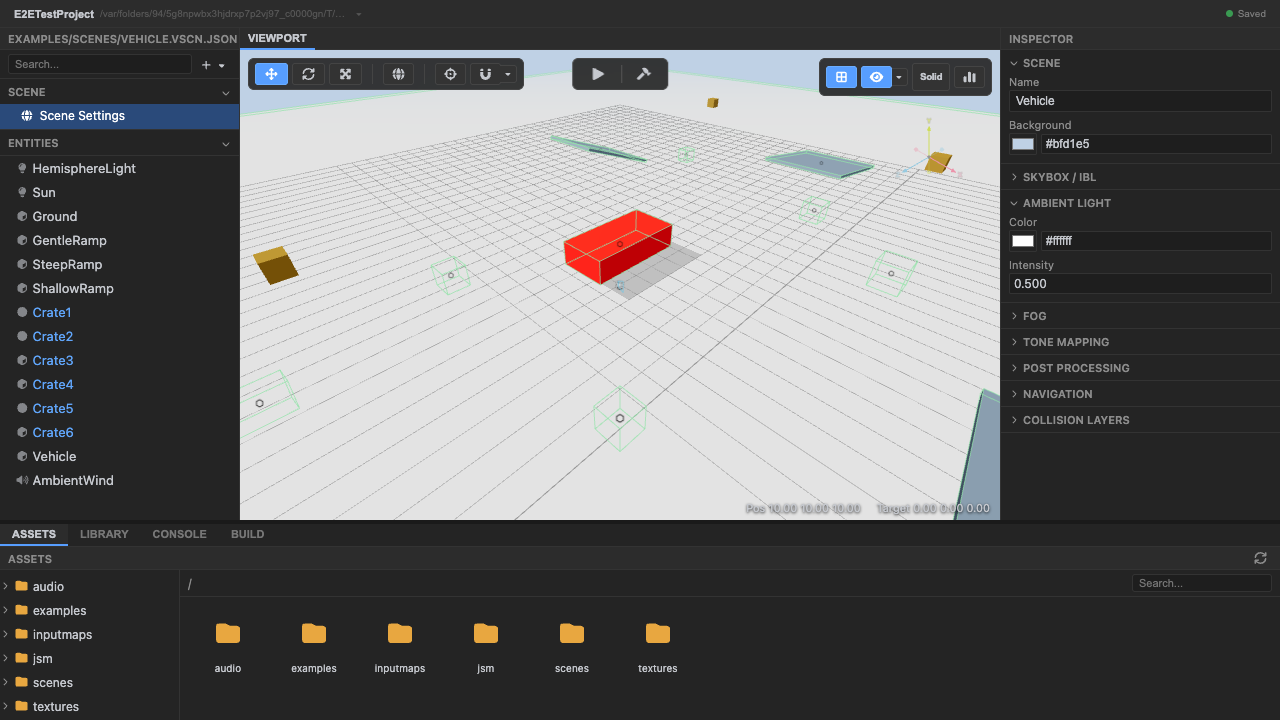
The vehicle course. -
Enter play mode. Press Play.
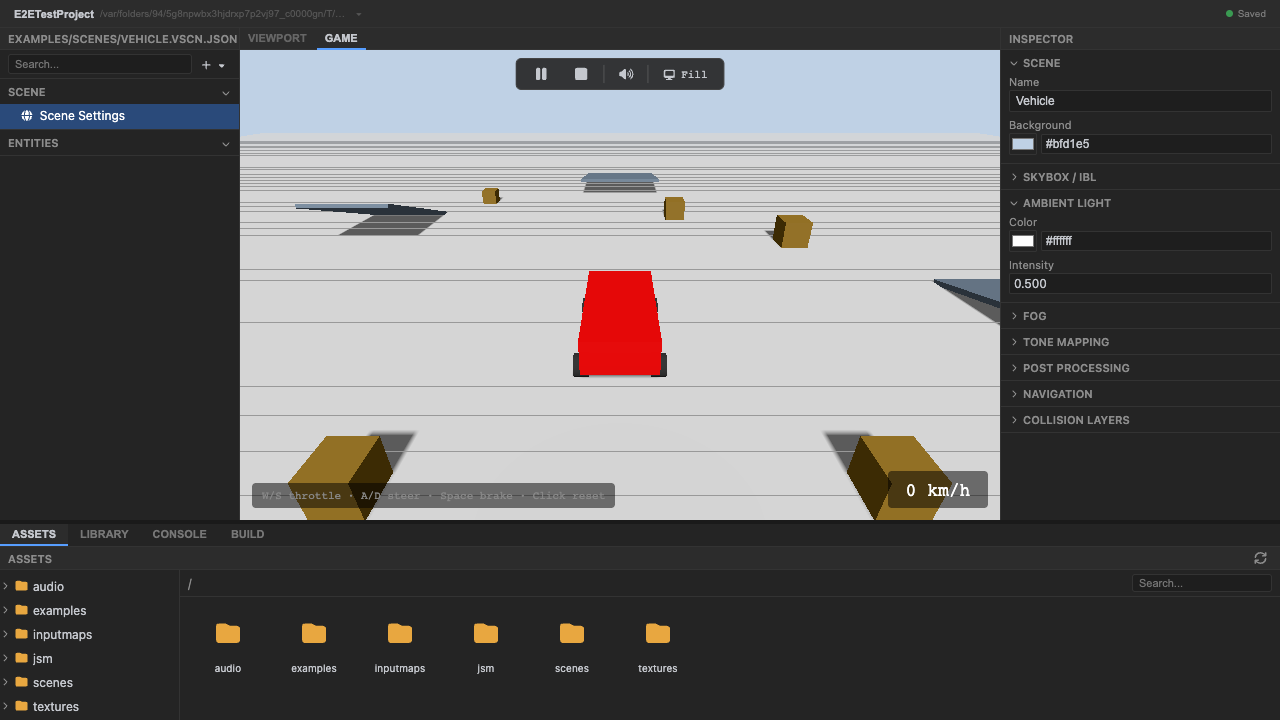
Play mode. -
Accelerate with
W. Drive forward;Sreverses andSpacebrakes.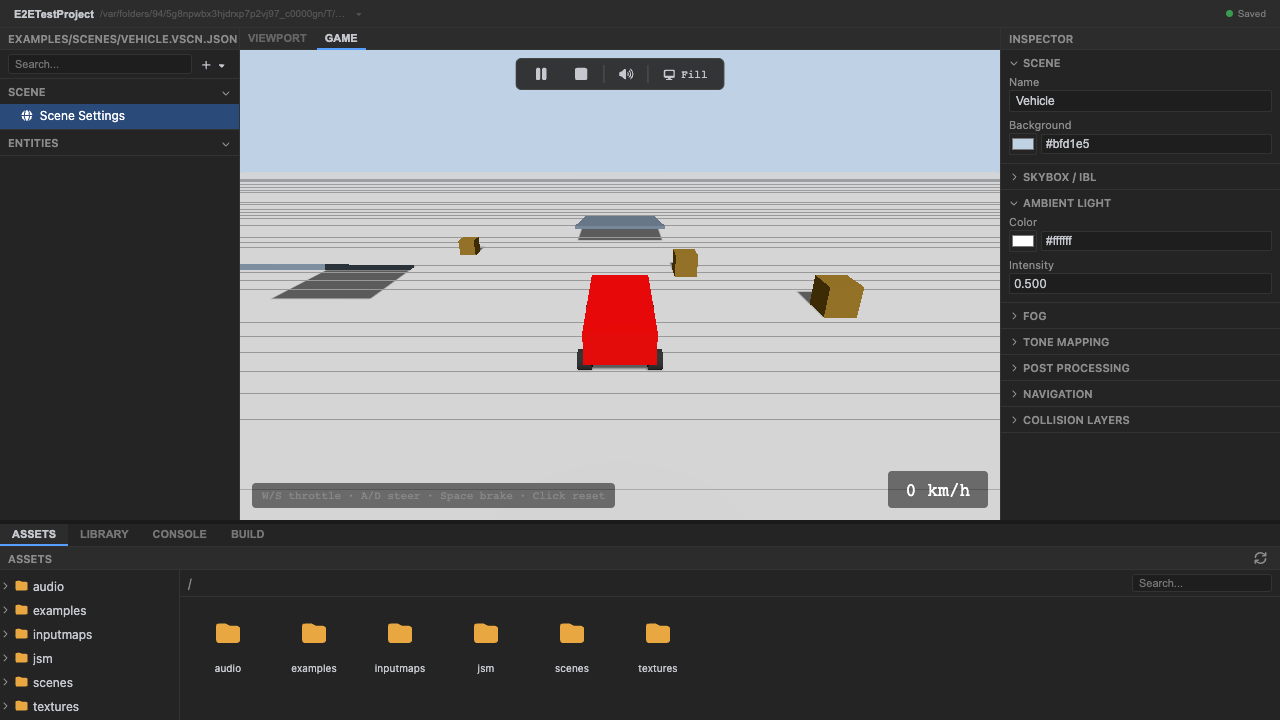
Front-wheel drive via the raycast vehicle controller. -
Steer with
AandD. Steering is smoothed for a natural feel; hit the ramps and knock the dynamic obstacles around.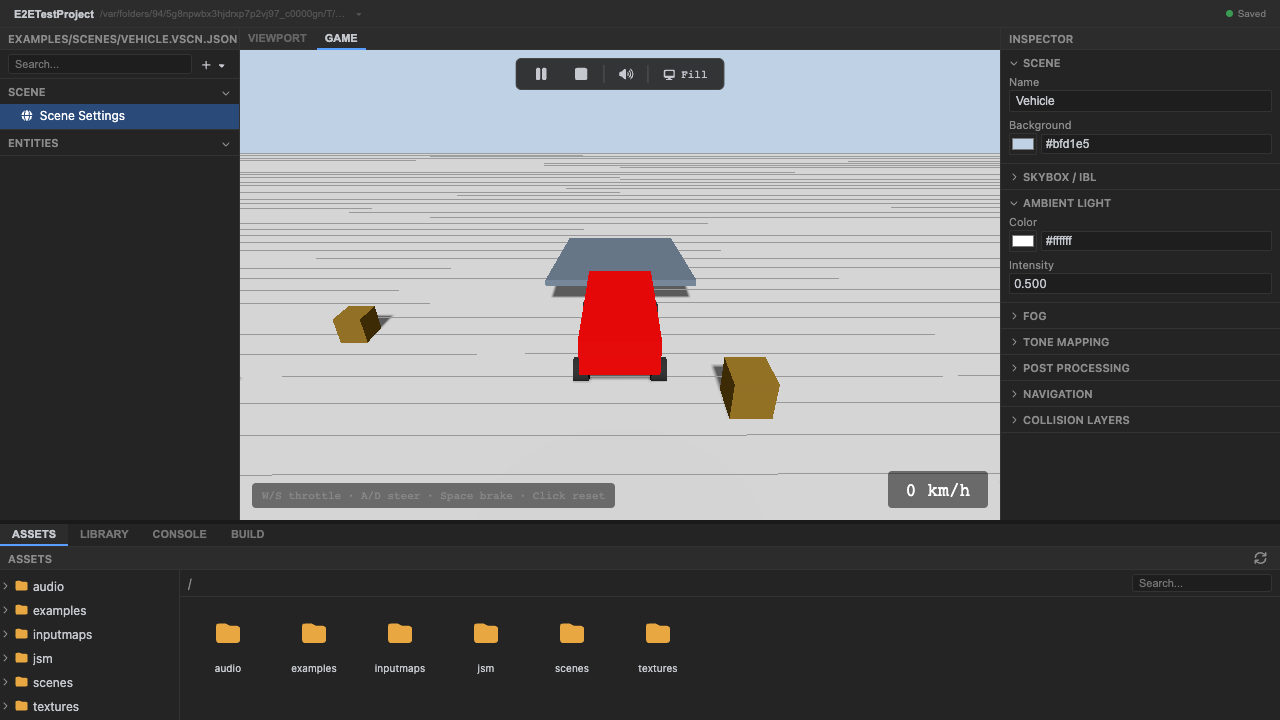
Smooth steering + dynamic obstacles. -
Stop play mode. Press Stop (or
Escape).
How it works
Section titled “How it works”Gameplay lives in GameComponents declared in the scene file (VehicleController,
VehicleWheelSync, ChaseCamera). The controller (prePhysics) wraps Rapier’s raycast
vehicle — each wheel raycasts to the ground for suspension, drive torque goes to the front
wheels, and steering is eased toward the input; VehicleWheelSync (postPhysics) reads the
controller’s per-wheel state back out and positions the wheel visuals. The chase camera
follows from behind. Audio, HUD, and a reference grid are attached in setup().
Recap
New functionality
- Ran and drove the vehicle
- Used the ramps and hit obstacles
New concepts & skills
- A DynamicRayCastVehicleController models wheels via rays + suspension
- Drive/steer/brake come from input actions
- Chase camera + gameplay are GameComponents
Next lesson → Capstone: RTS