Load a scene, select entities, and run it
site/media/lessons/editor-first-scene.lesson.ts (7 steps) The editor renders your scene with the real engine renderer and runs the real game
loop in play mode — so what you see is what ships. In this lesson you’ll open a scene,
explore it, change how it’s drawn, and run it. It uses the editor-tutorial scene that
comes with the template (an all-systems showcase: meshes, lights, physics, particles).
-
Open the editor-tutorial scene. Start the dev server on the editor-tutorial example project (
VGAI_PROJECT=examples/editor-tutorial npm run dev) — the editor opens athttp://localhost:5173with its scene loaded. The viewport shows the lit scene with a ground plane.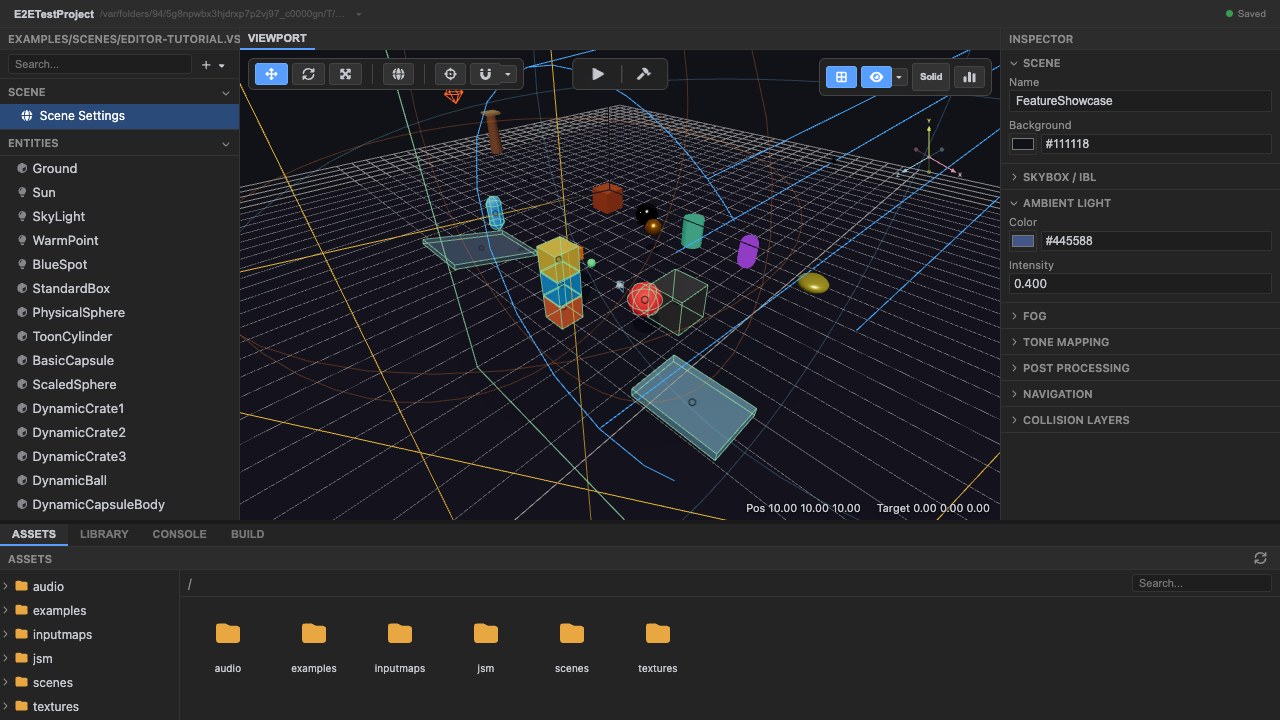
The loaded scene, rendered by the engine renderer. -
Select the
Groundentity in the hierarchy. The left panel lists every entity. Click Ground — it highlights in the viewport and its properties appear in the inspector. Each hierarchy row is a Three.jsObject3D; selecting it is selecting the entity itself.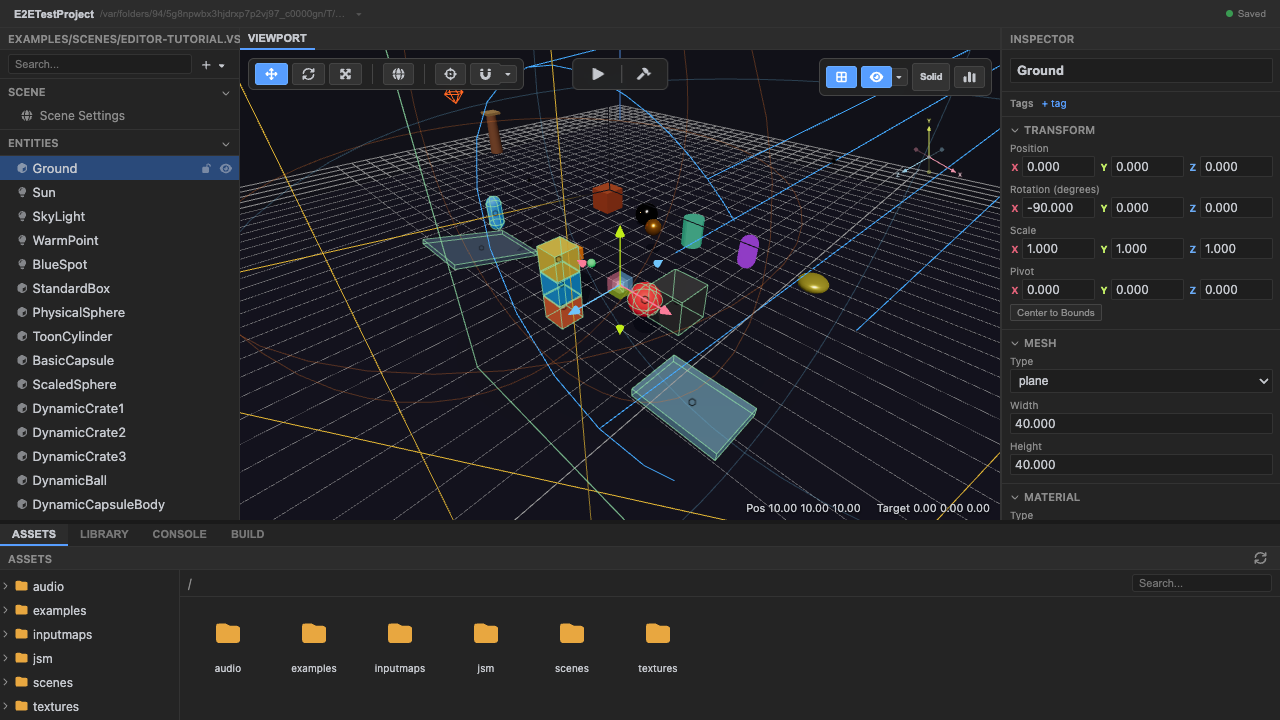
Selecting Ground highlights it and populates the inspector. -
Select the
Sunlight entity. Click Sun in the hierarchy. The inspector now shows the Light section (type, color, intensity) instead of a mesh — the inspector adapts to what the selected entity has.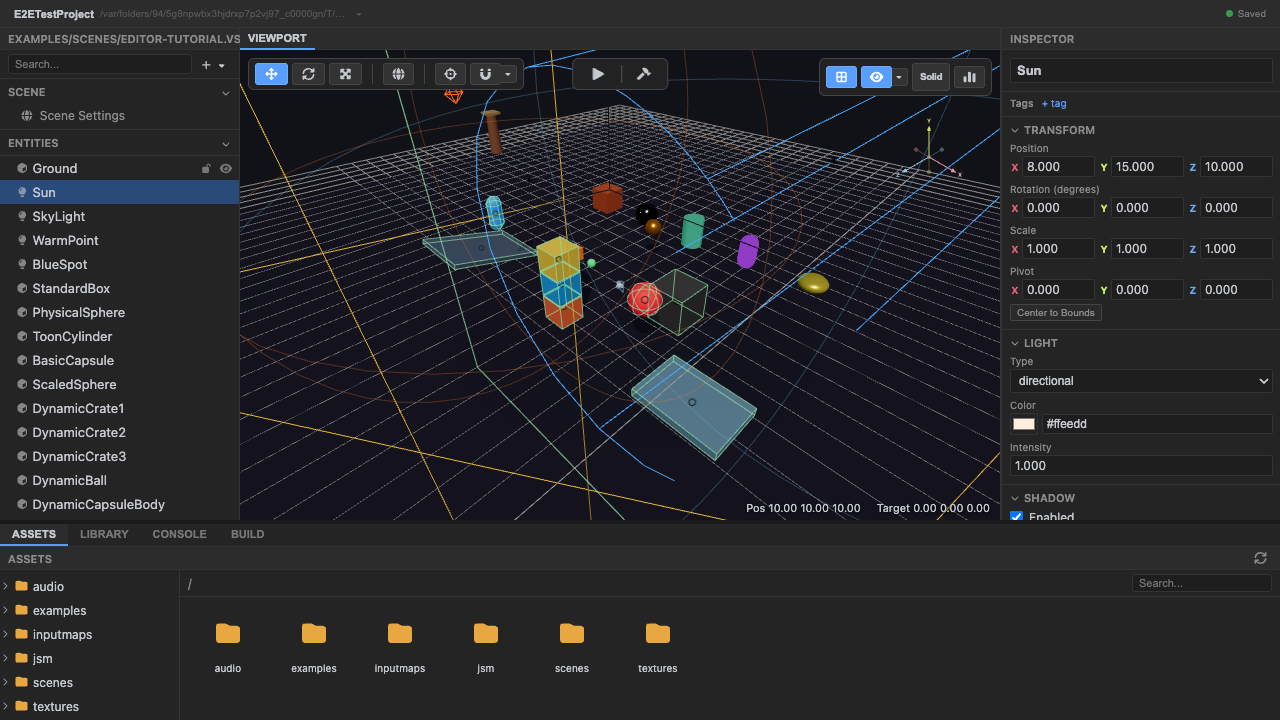
The inspector adapts per entity — a light shows light properties. -
Switch the viewport to Wireframe shading. Look at the top-right corner of the viewport for the small overlay of buttons. The shading button shows the current mode — Solid. Click it to cycle to Wire (click again for Unlit, again for Solid). At Wire the scene redraws as wireframe — useful for inspecting geometry without materials.
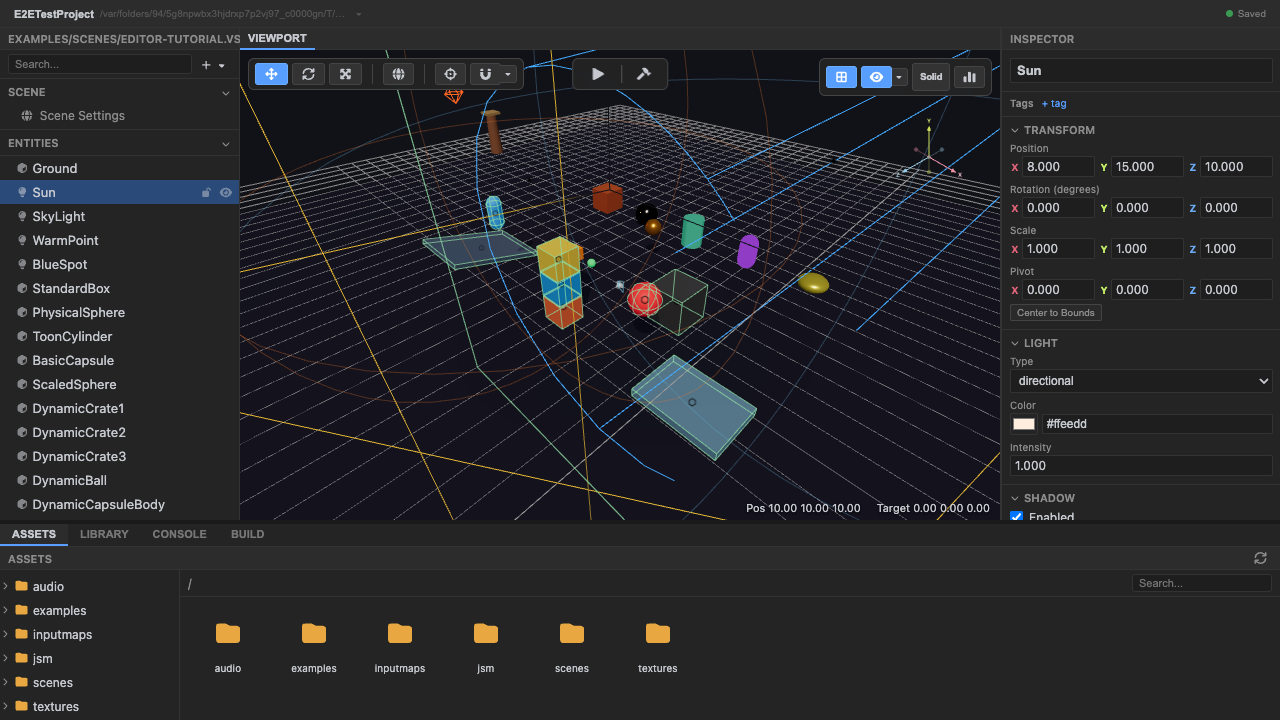
The shading button sits in the viewport's top-right overlay; click it to cycle Solid → Wire → Unlit. -
Switch to Unlit, then back to Solid. Keep clicking the same button to reach Unlit (base colors, no lighting) and then Solid (normal PBR shading). These are editor-only view overrides — they don’t change the scene data.
-
Enter Play mode to run the scene. Press Play (works in the hosted editor and in local dev). The editor boots the real runtime and the game renders in the Game tab; the scene comes alive (physics, particles, animation).
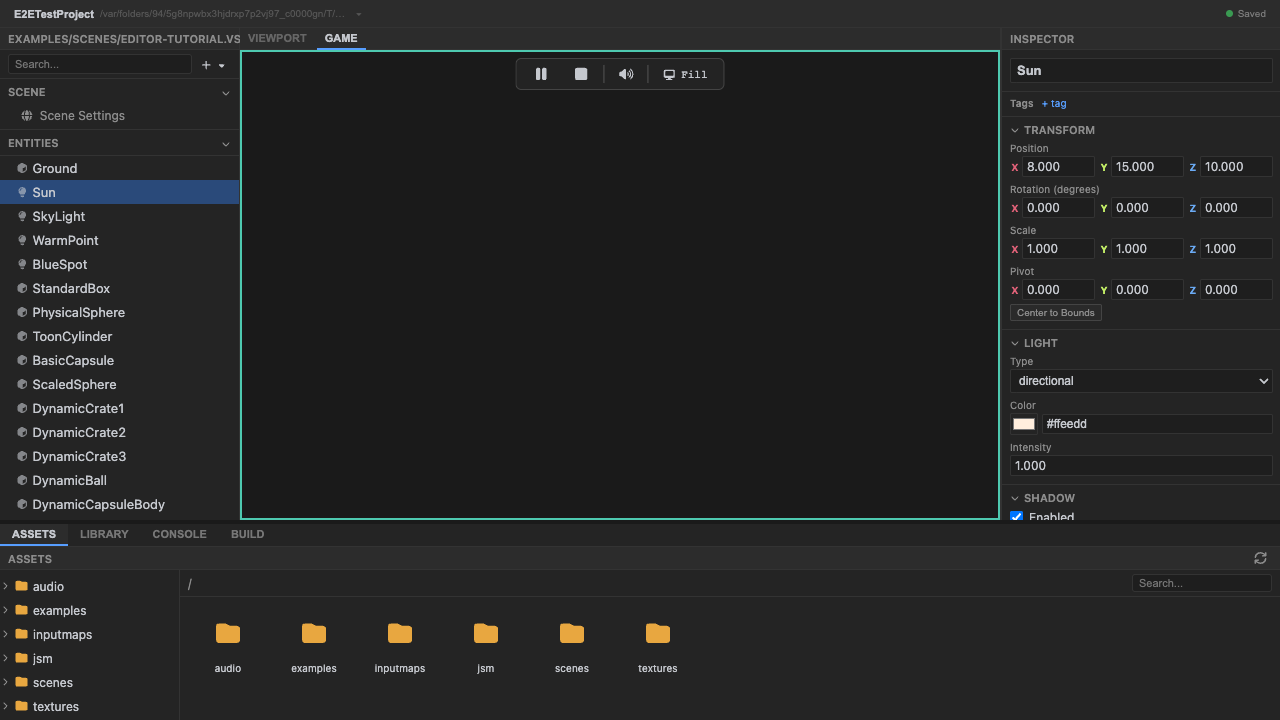
Play mode runs the actual engine runtime, not a preview (shown in the local dev editor). -
Stop Play mode and return to editing. Press Stop (or
Escape). The runtime tears down and you’re back to editing the scene.
Recap
New functionality
- Opened a .vscn scene in the editor
- Selected entities from the hierarchy
- Cycled solid / wireframe / unlit shading
- Entered and exited play mode
New concepts & skills
- Hierarchy rows are Three.js Object3Ds — selecting a row selects the entity
- The inspector adapts to what an entity has (mesh vs light)
- Shading modes are editor-only view overrides
- Play mode runs the real engine runtime, not a preview
Next lesson → Foundations: The Object3D is the entity
See also
Section titled “See also”- First look at the editor — the panel-by-panel tour.
- Editor Guide — a page per tool.
- Design philosophy — why the editor edits the live scene.