Render thousands with instancing
site/media/lessons/scenes-batch.lesson.ts (4 steps) A mesh with an instances asset renders as a single native THREE.InstancedMesh — one
draw call for many copies. The instanced-grid scene references the project’s checked-in
instances/grid.instances.json transform data.
-
Open the instanced-grid scene. The scene is already open — if you followed the link above, the instanced-grid scene is loaded and rendering (in the local dev editor:
VGAI_PROJECT=examples/feature-scenes npm run dev).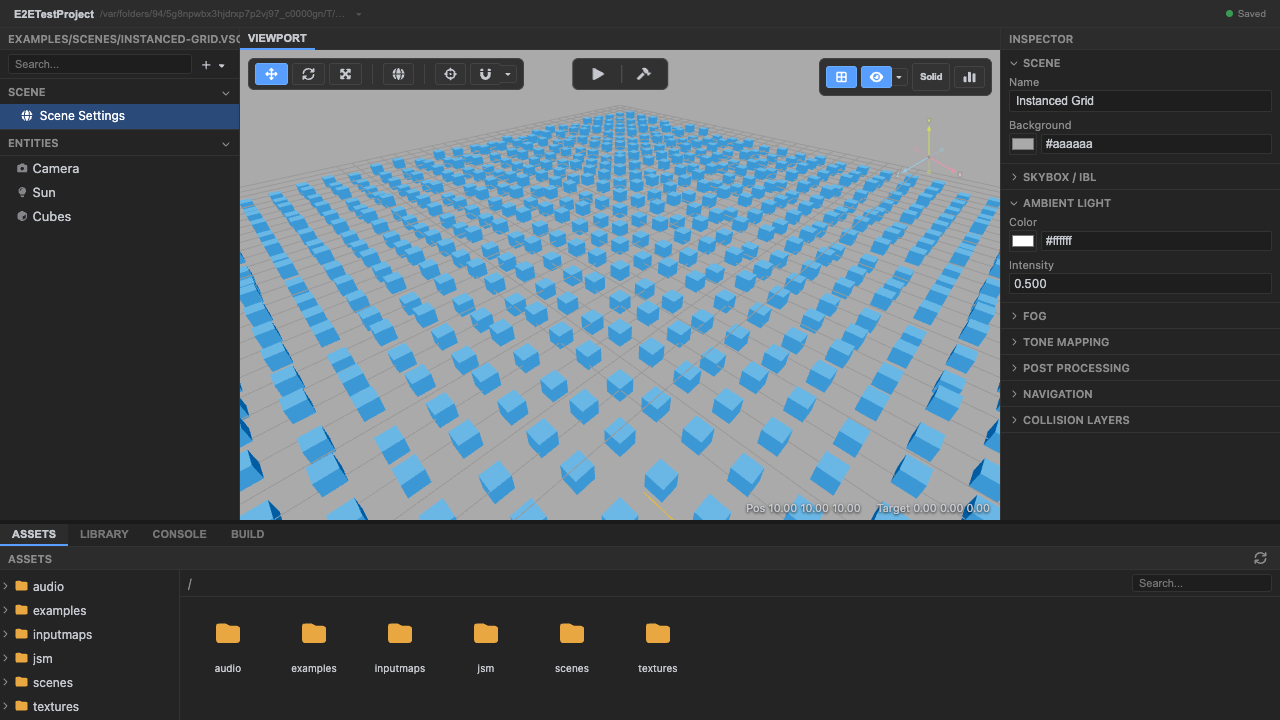
The instanced-grid scene. -
Enter play mode — the instance asset renders the grid. The checked-in asset contains a 30 × 30 grid (900 transforms) on the XZ plane.
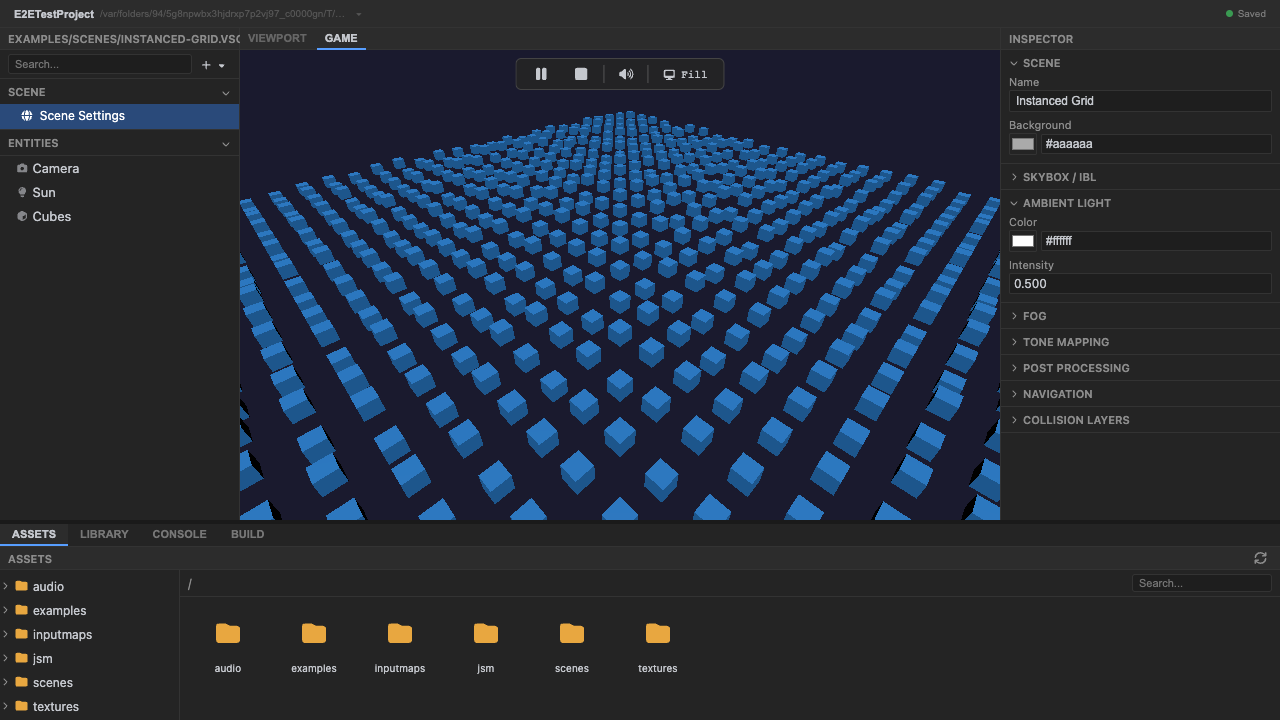
A grid of instances. -
Hundreds of instances draw in a single InstancedMesh. One draw call covers the whole grid. The owning project’s generator uses a seeded LCG, so regenerating the asset is stable.
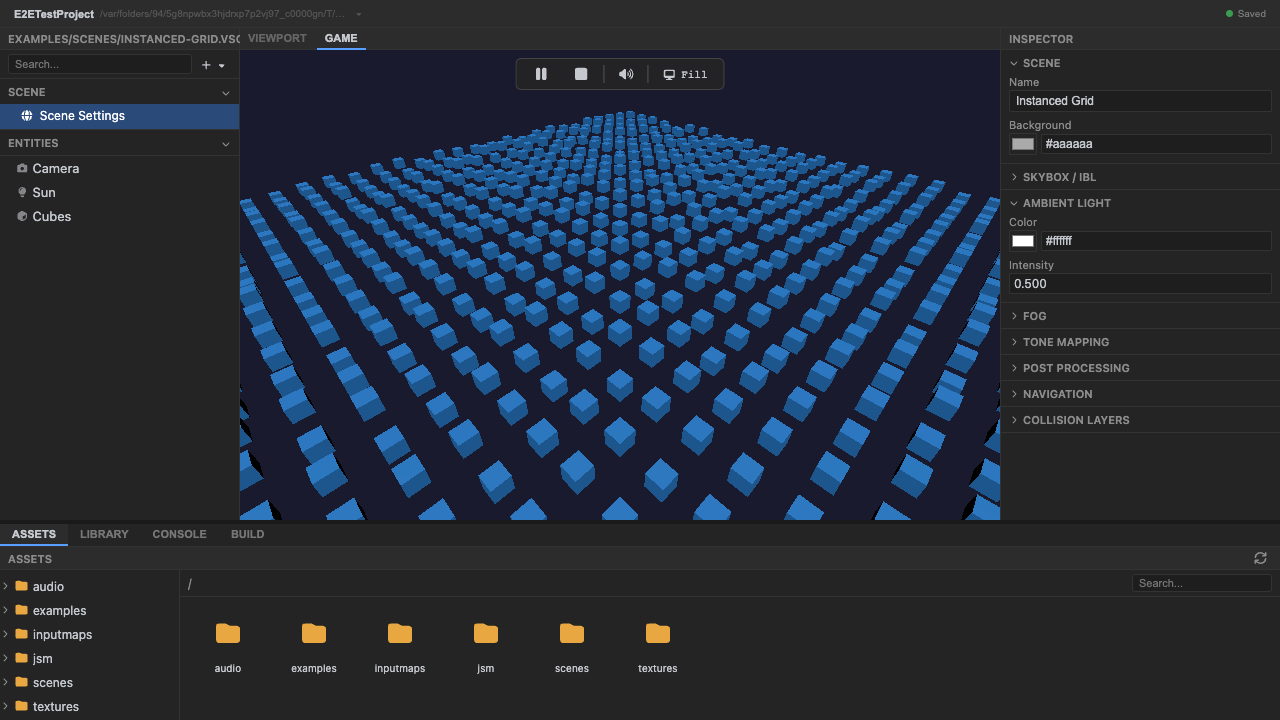
One InstancedMesh, many instances. -
Stop play mode. Press Stop (or
Escape).
Recap
New functionality
- Ran a scene using an instance-transform asset
- Saw a 900-object grid drawn in one call
New concepts & skills
- A mesh's instances field -> one InstancedMesh
- .instances.json keeps bulk transforms out of the scene
- The project owns generation and exported data
Next lesson → Manual: Instancing, terrain & splines
On Your Own!
Extend what you built:
- Change countX/countZ in the project's generator script
- Regenerate and confirm the checked-in asset diff
- Export a circular placement set from Blender