
Colliders
A collider gives a body its shape for the physics solver. Colliders are declared by the
collider schema (packages/engine/src/asset-formats/collider.ts).
Shapes
Section titled “Shapes”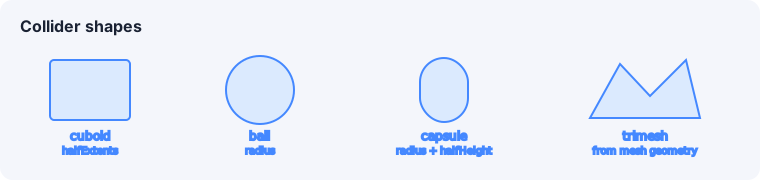
type | Sizing fields |
|---|---|
cuboid | halfExtents ([x, y, z] half-size) |
ball | radius |
capsule | radius + halfHeight |
trimesh | built from the entity’s mesh geometry |
All sizing fields are authored in the entity’s own local units. The loader bakes in the
entity’s composed world scale (self × every transformed ancestor) once at load time —
Rapier has no live notion of an Object3D’s scale — so a collider’s world-space size always
matches whatever ends up on screen. Round colliders (ball, capsule) can only represent a
uniform radius: a non-uniform world scale on their round axes throws a loud load error naming
the entity.
Material properties
Section titled “Material properties”friction— surface friction coefficient.restitution— bounciness (0 = no bounce, 1 = perfect bounce).density— mass density; the body’s mass is computed from density × collider volume (unlessmassis set on the body).offset— translation of the collider relative to the body origin, in the entity’s own local units; scales with the entity’s composed world scale the same way the sizing fields above do.
Sensors (trigger volumes)
Section titled “Sensors (trigger volumes)”Set isSensor: true to make a collider detect overlaps without physically blocking.
Sensors are how you build trigger zones (checkpoints, pickups, damage volumes) — they fire
onTriggerEnter / onTriggerExit instead of resolving contacts. See
Collisions & triggers.
Collision layers
Section titled “Collision layers”Two bitmasks (each up to 16 bits) control what interacts with what:
collisionGroups— the layers this collider belongs to.collisionFilter— the layers this collider interacts with.
Two colliders interact only when each one’s group is in the other’s filter. Name your 16 layers in the scene environment so the masks read meaningfully.
The physics debug view
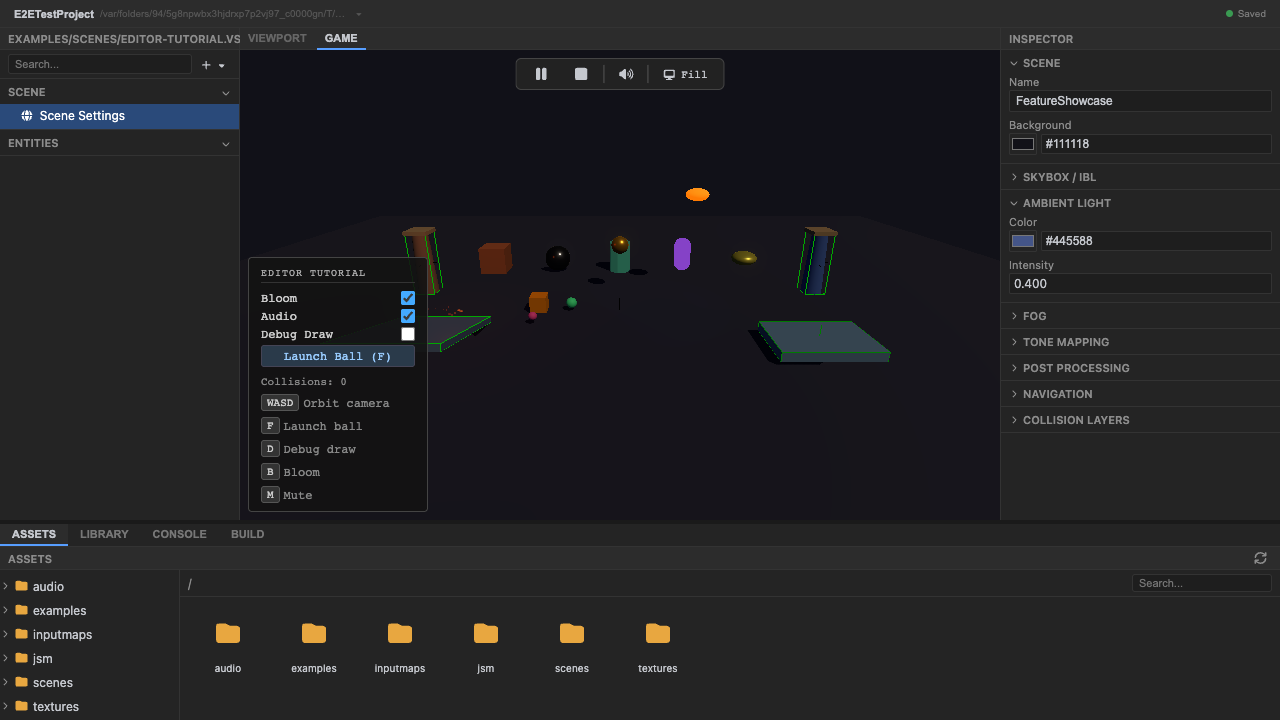
Section titled “The physics debug view”Press P at runtime to toggle a wireframe overlay of every collider, drawn from
rapierWorld.debugRender() into a Three.js LineSegments
(packages/engine/src/setup/setup-physics.ts). It’s the fastest way to confirm a collider’s
shape and placement match the visual mesh.
See also
Section titled “See also”- Rigid bodies — what a collider attaches to.
- Collisions & triggers — reacting to overlaps.