Load a scene built from prefabs
site/media/lessons/scenes2-batch.lesson.ts (4 steps) A scene (.vscn.json) is a tree of entities; many can be prefab instances of a reusable
template. The RTS scene’s units are prefab instances — a good scene to watch load.
-
Open a scene built from prefab instances. The scene is already open — if you followed the link above, the RTS scene is loaded and rendering (in the local dev editor:
VGAI_PROJECT=examples/rts npm run dev).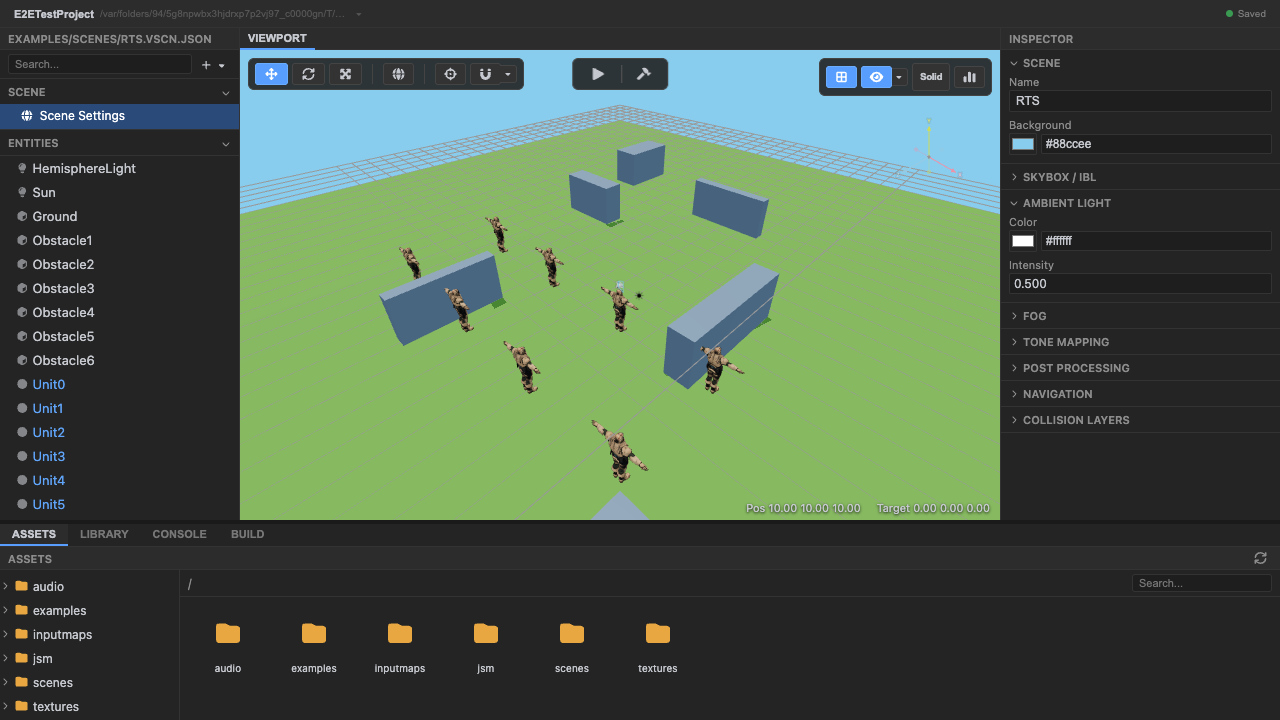
A scene of prefab-instance units. -
Enter play mode — the scene loader spawns every entity. The loader runs three passes: spawn all entities (building an id → Object3D map), create joints, then run every component’s
init().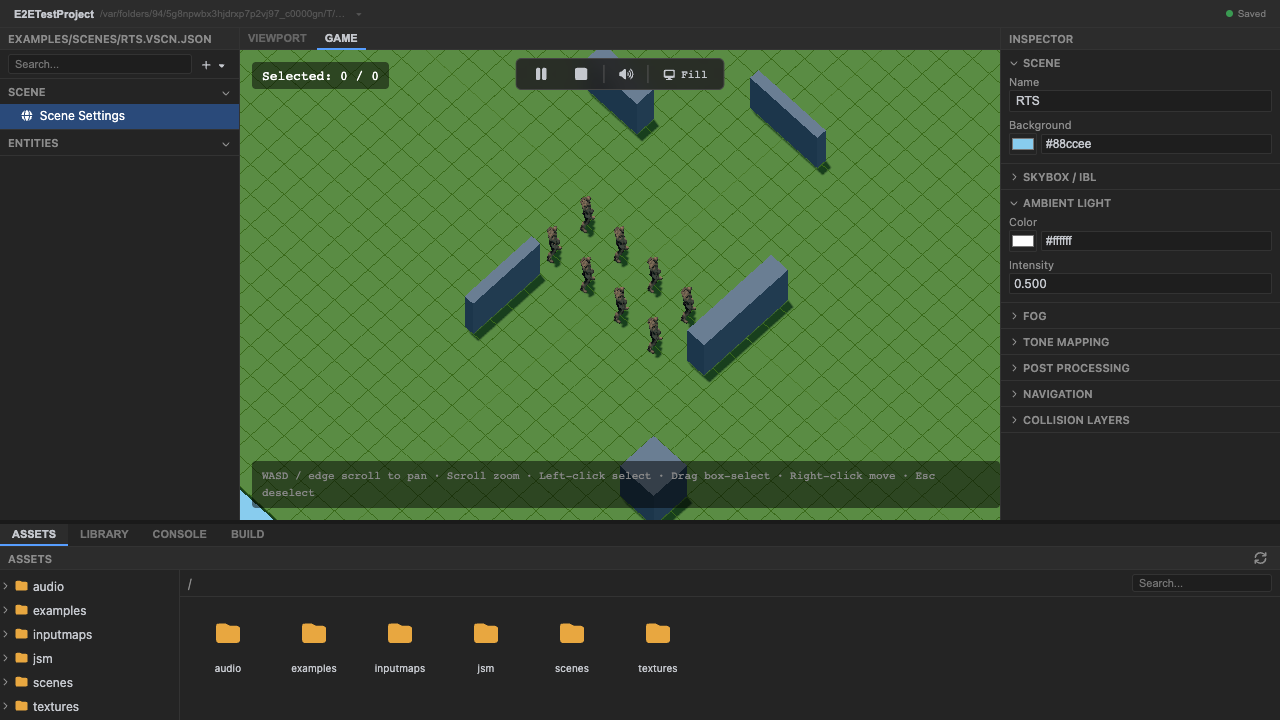
The three-pass loader has spawned the scene. -
Prefab unit instances populate the scene. Each unit is a
.prefab.jsoninstance, merged with any per-instance overrides; shared default values come from one defaults table so the editor preview matches the runtime.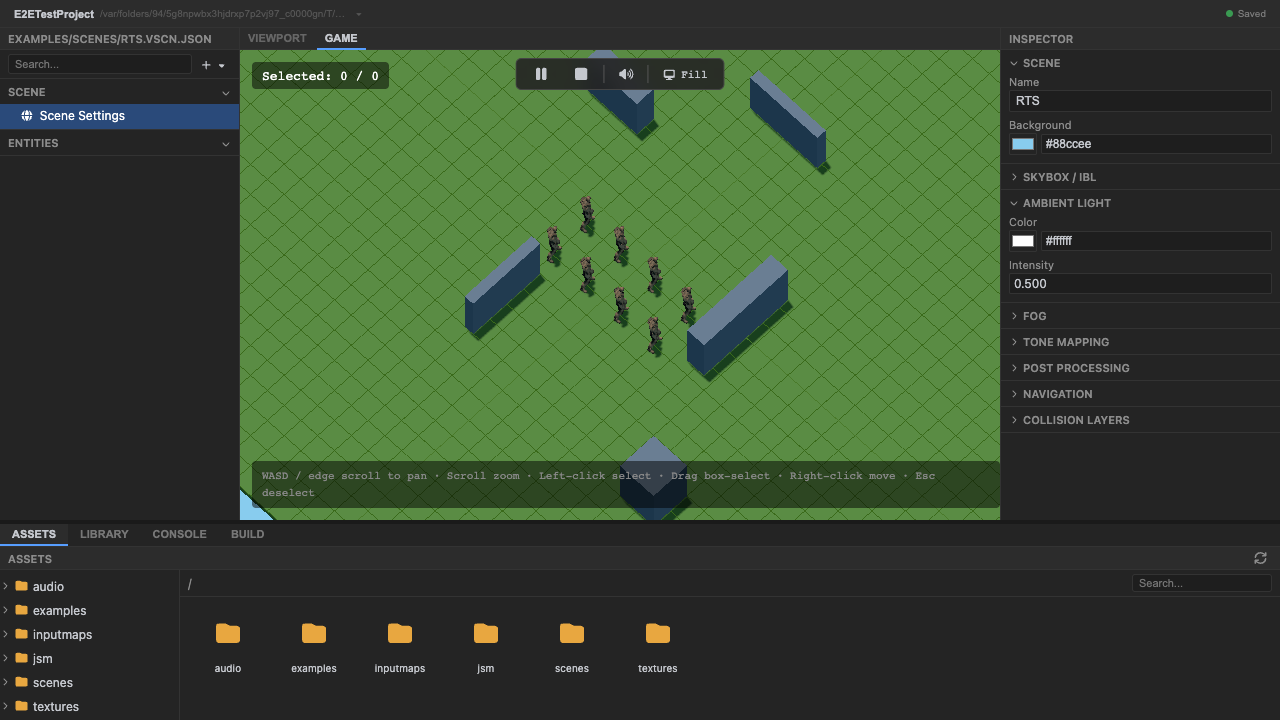
Prefab instances populate the arena. -
Stop play mode. Press Stop (or
Escape).
Recap
New functionality
- Loaded and ran a prefab-based scene
- Saw prefab instances spawned
New concepts & skills
- A scene is a tree of entities; prefab instances reuse a template
- The loader runs spawn → joints → initAll
- Shared defaults keep editor and runtime in sync
Next lesson → Manual: Scenes & prefabs
On Your Own!
Extend what you built:
- Open a .prefab.json and change a field — every instance updates
- Override a single instance's transform without touching the prefab
- Read the three-pass loader detail in the manual