Drive an animation blend tree
site/media/lessons/tierc-batch.lesson.ts (4 steps) The third-person character animates through an ordinary XState machine: its locomotion
state declares a meta.animation.blendTree whose output is mixed from a few inputs (speed,
grounded) gameplay code sends into the machine each frame. You never play clips by hand; you
send events, XState decides the state, and the blend tree inside that state’s meta.animation
blends.
-
Open a scene with an animated character. The scene is already open — if you followed the link above, the third-person scene is loaded and rendering (in the local dev editor:
VGAI_PROJECT=examples/third-person-action npm run dev).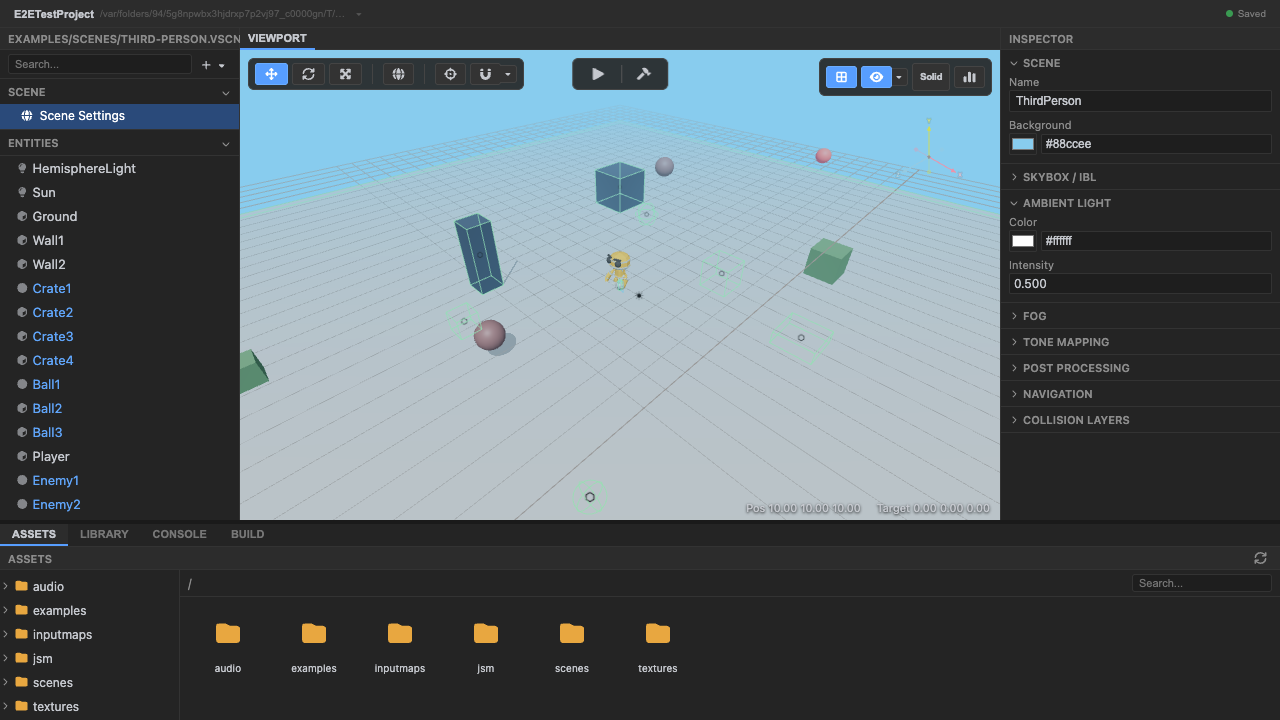
A character whose locomotion is driven by an XState machine. -
Enter play mode — the XState machine drives the character.
bindXStateAnimationticks the boundTHREE.AnimationMixereach frame from theanimationphase. At rest,speedis ~0, so the machine’slocomotionblend tree outputs the idle pose (from theidlestate).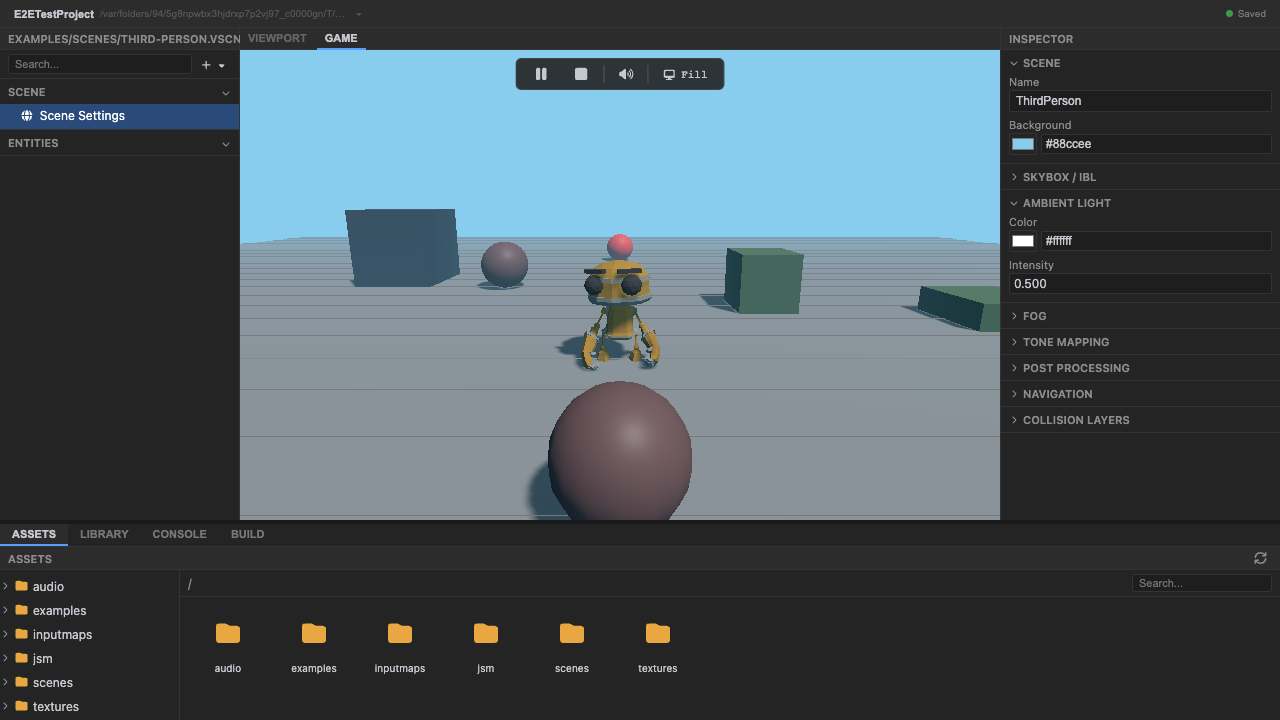
speed ≈ 0 → the idle state, or the blend tree's idle end, is active. -
Drive with
W— the blend tree mixes idle → walk → run by speed. The character controller computes a horizontal speed and sends it into the actor:// third-person/components.ts — gameplay drives animation, not the reversethis.animActor?.send({type: 'UPDATE',speed: horizontalSpeed * ANIM_SPEED_SCALE,grounded: nowGrounded,});this.animBinding?.tick(dt);UPDATEassignsspeed/groundedinto the machine’s context; analways-guarded eventless transition then moves between theidlestate and thelocomotionstate based onspeed, and insidelocomotionthe 1D blend tree (keyed on the samespeedcontext value) blends itswalkandrunclips by proximity. So across the two states you see idle → walk → run. No clip names appear in the gameplay code.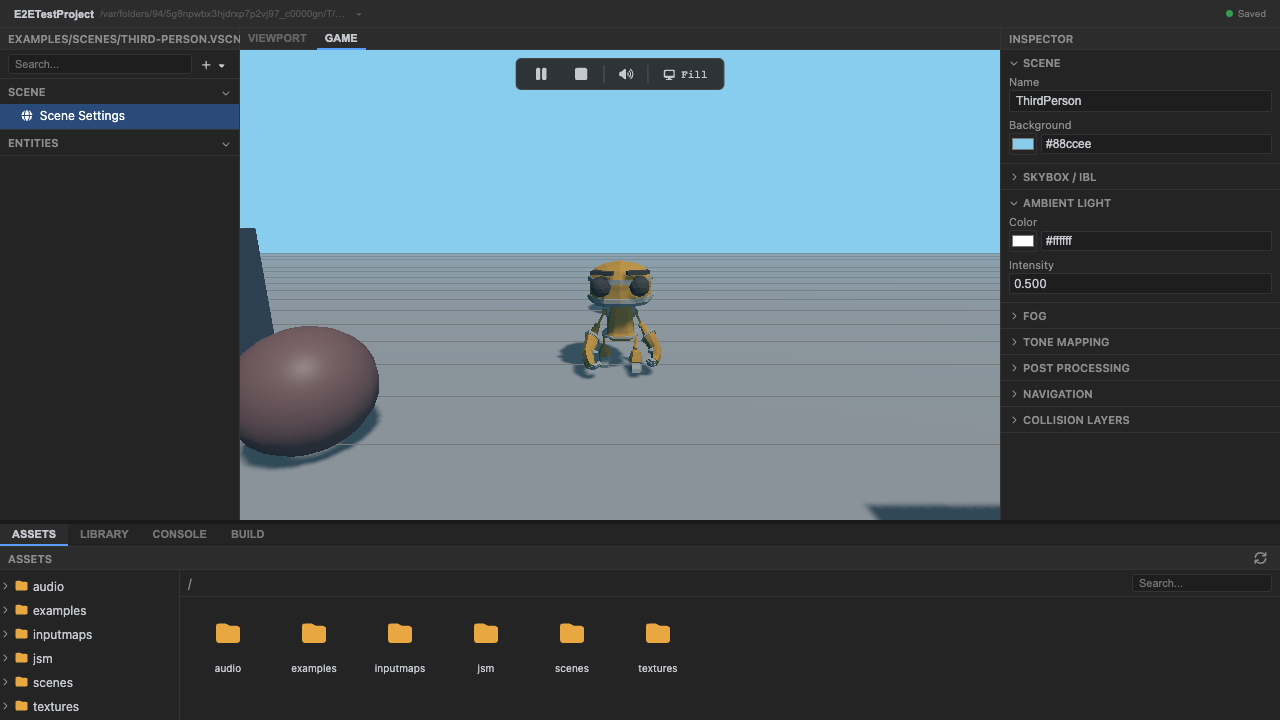
Higher speed → the blend tree shifts toward run. -
Stop play mode. Press Stop (or
Escape).
Recap
New functionality
- Watched an XState blend-tree state mix idle → walk → run
- Saw gameplay drive animation by sending XState events
New concepts & skills
- A blend tree mixes clips from a live context value — you send events, not clips
- bindXStateAnimation ticks the mixer (and live blend-tree weights) from the animation phase
- speed and grounded are UPDATE-event fields the third-person controller sends each frame
Next lesson → Manual: XState animation binding
On Your Own!
Extend what you built:
- Open xstate-animation-binding.ts and find where a state's meta.animation selects the blend
- Trigger the airborne state by jumping (the controller sends { type: 'JUMP' })
- Change ANIM_SPEED_SCALE and observe the walk→run threshold shift