Run a 2D game on the world2d surface
site/media/lessons/surfaces-batch.lesson.ts (4 steps) vgai has a third render surface beside Three.js 3D and the React HUD: world2d, a 2D surface
built on PixiJS v8 with Rapier 2D physics. It reuses the same engine model — entities,
the GameComponent lifecycle, authored scene data — but instantiates PixiJS display objects
instead of Object3Ds.
-
Open a pixijs world — a PixiJS 2D render surface. (The video shows the retired standalone page; the running surface is identical.) The banner names what’s running: first-party authored Scene2D • Rapier 2D physics • 2D GameComponents.
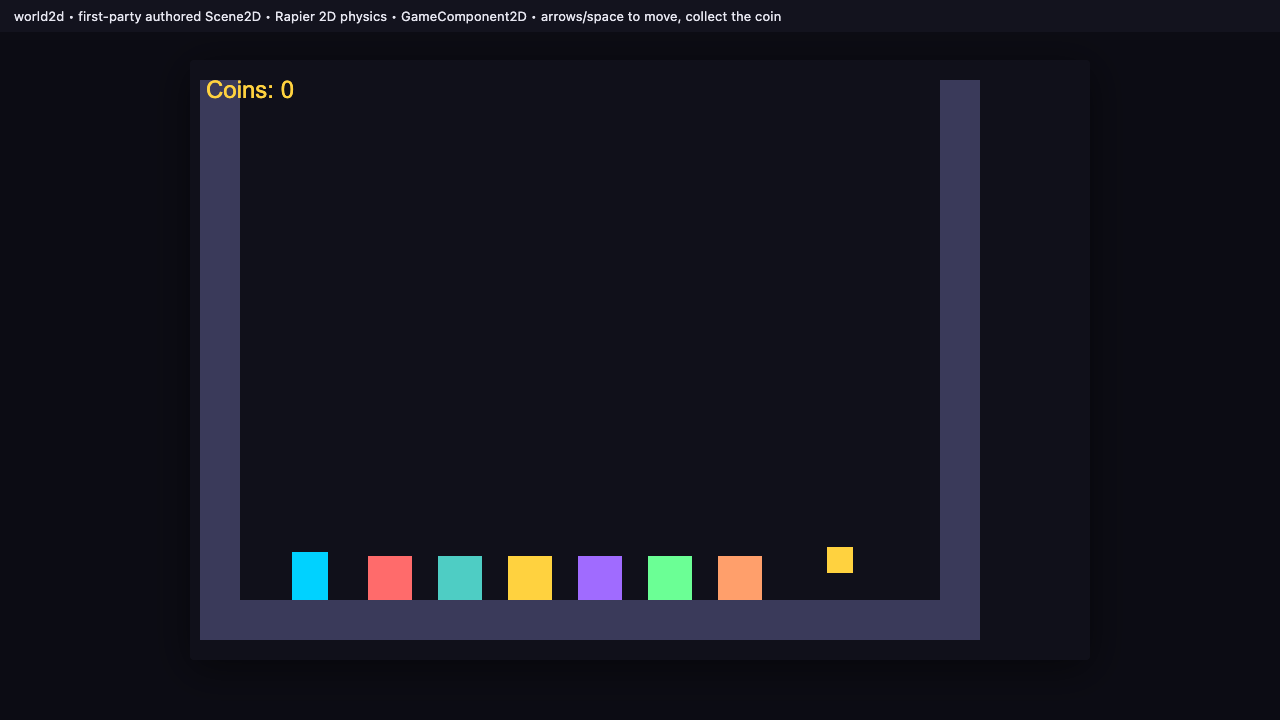
The PixiJS world2d surface with an authored 2D scene. -
It runs an authored Scene2D with Rapier 2D physics + 2D GameComponents. The walls, player, and pickups come from a
Scene2DFile; aGameComponent<'pixijs'>subclass drives the player exactly like a 3DGameComponent(sameinit/updatelifecycle and the same unified ComponentManager since T7.3 — the display object is aPIXI.Containerinstead of anObject3D).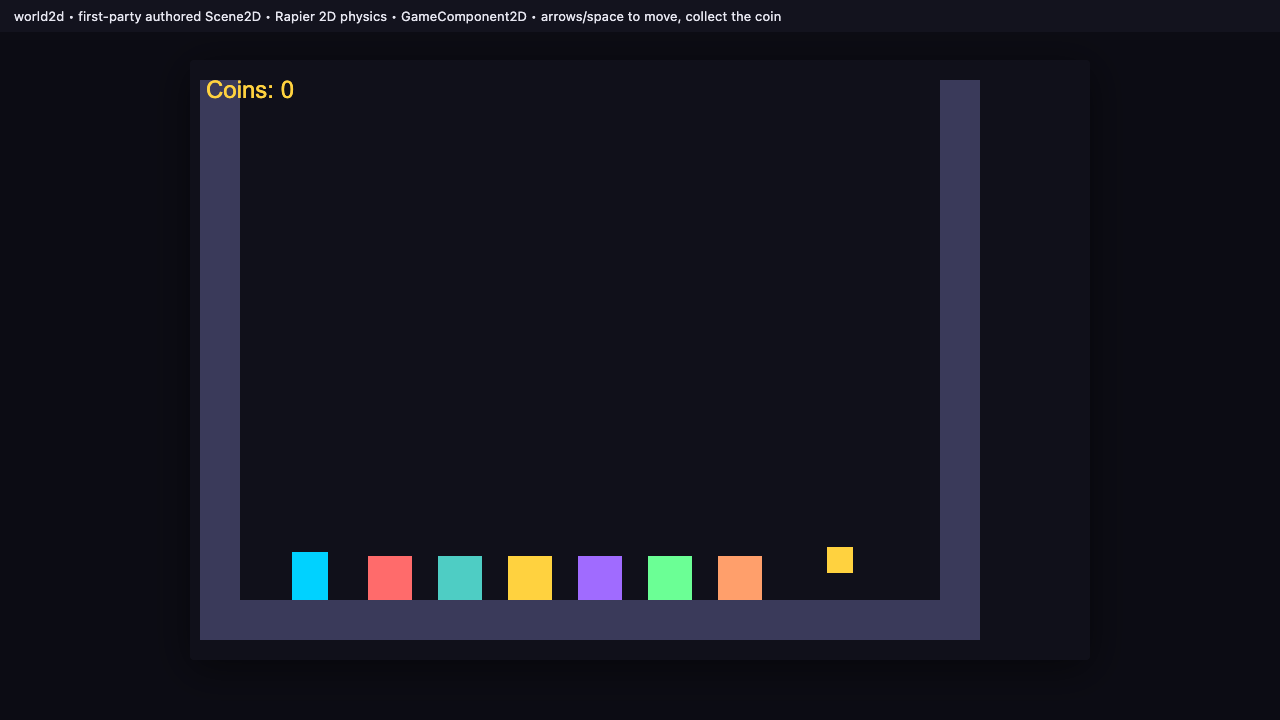
An authored arena: walls (static bodies), colored sprites, and a coin. -
Move the player with the arrow keys. Input flows through the same input system; the player body is simulated by Rapier 2D.
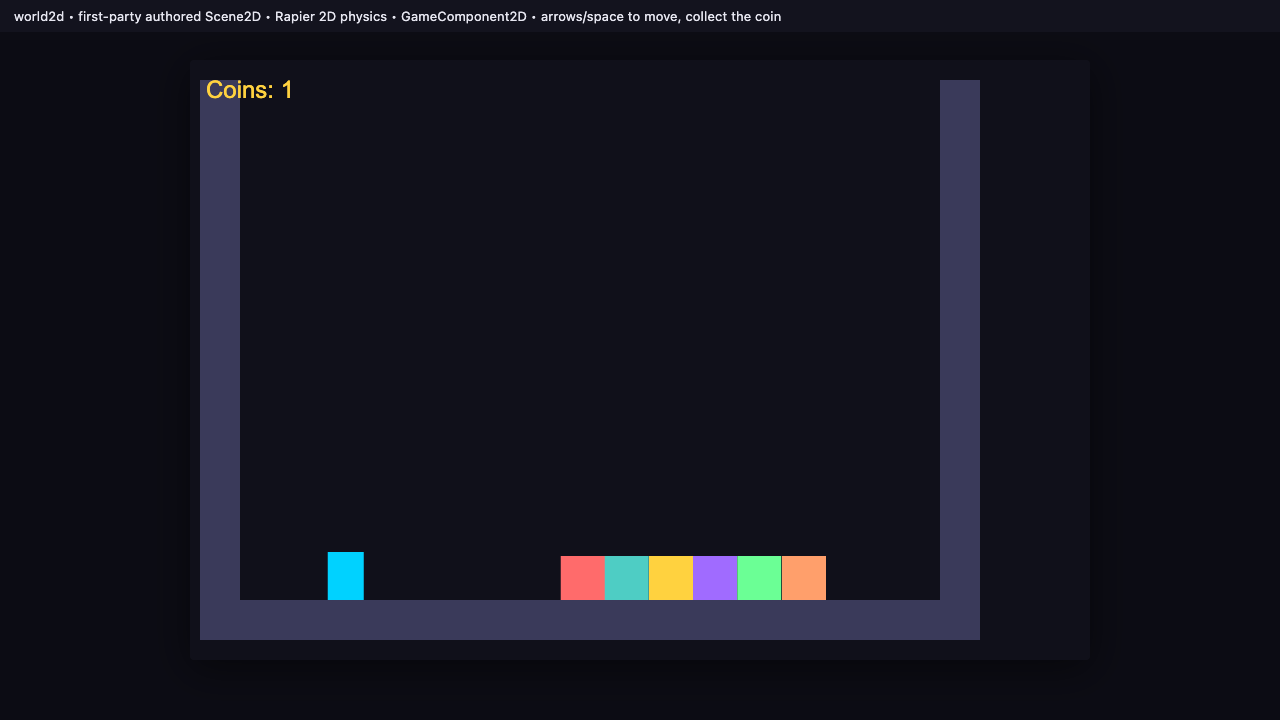
Arrow keys move the Rapier-2D player body. -
Jump with Space — the HUD tracks coins as you collect them. Walk into the coin and the
Coins:counter ticks up — gameplay logic and a 2D trigger, on the 2D surface.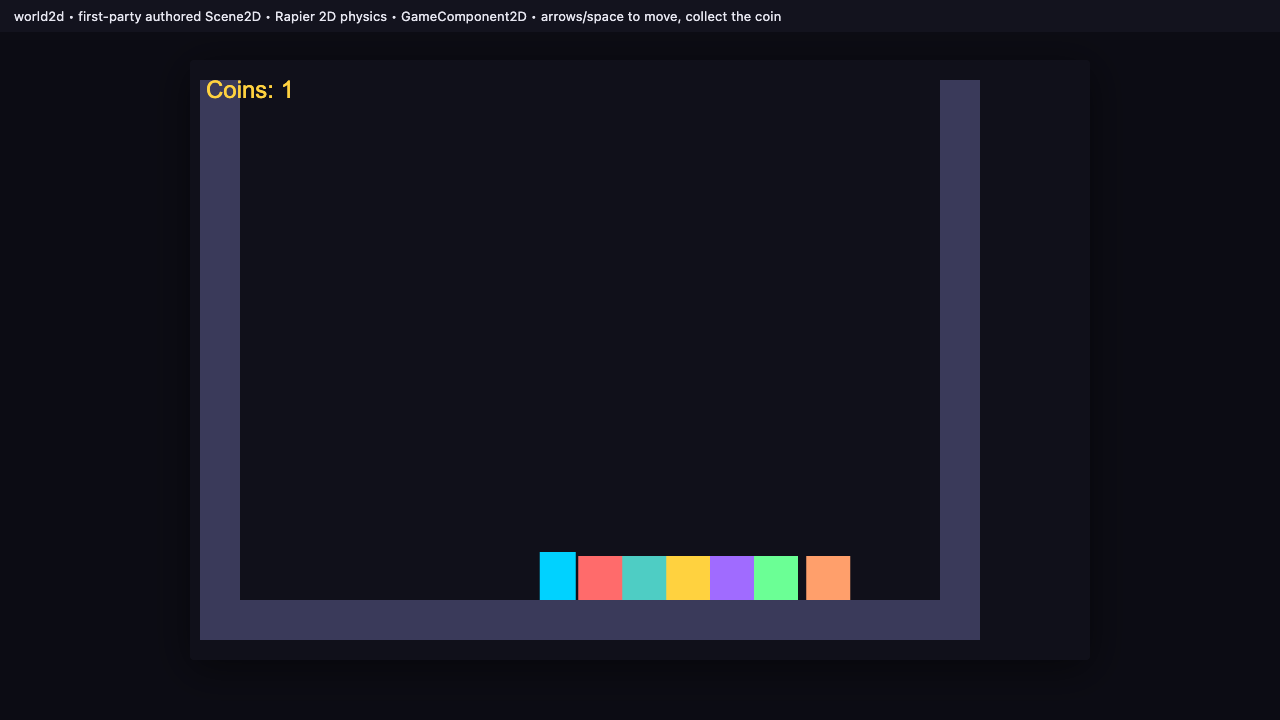
Collected a coin — the HUD reads Coins: 1.
Recap
New functionality
- Reached and ran the world2d 2D surface
- Moved a Rapier-2D player and collected a coin
New concepts & skills
- world2d is a peer render surface (PixiJS v8 + Rapier 2D) to 3D + React UI
- It reuses the SAME entity/GameComponent model — 2D components extend GameComponent<'pixijs'> with the same lifecycle (unified manager since T7.3)
- You reach it by declaring a pixijs world in vgai.game.json — the manifest route; the old standalone world2d.html page is deleted (T6.1)
Next lesson → Foundations: components in action