Animate a water surface
site/media/lessons/scenes-batch.lesson.ts (4 steps) The legacy filename is water-shader.vscn.json, but the implementation is intentionally
ordinary: a standard blue material plus the project’s WaterSurface component. The component
animates the mesh’s native vertex positions and recomputes normals each frame.
-
Open the water-shader scene. The scene is already open — if you followed the link above, the water-shader scene is loaded and rendering (in the local dev editor:
VGAI_PROJECT=examples/feature-scenes npm run dev, then openscenes/water-shader.vscn.json).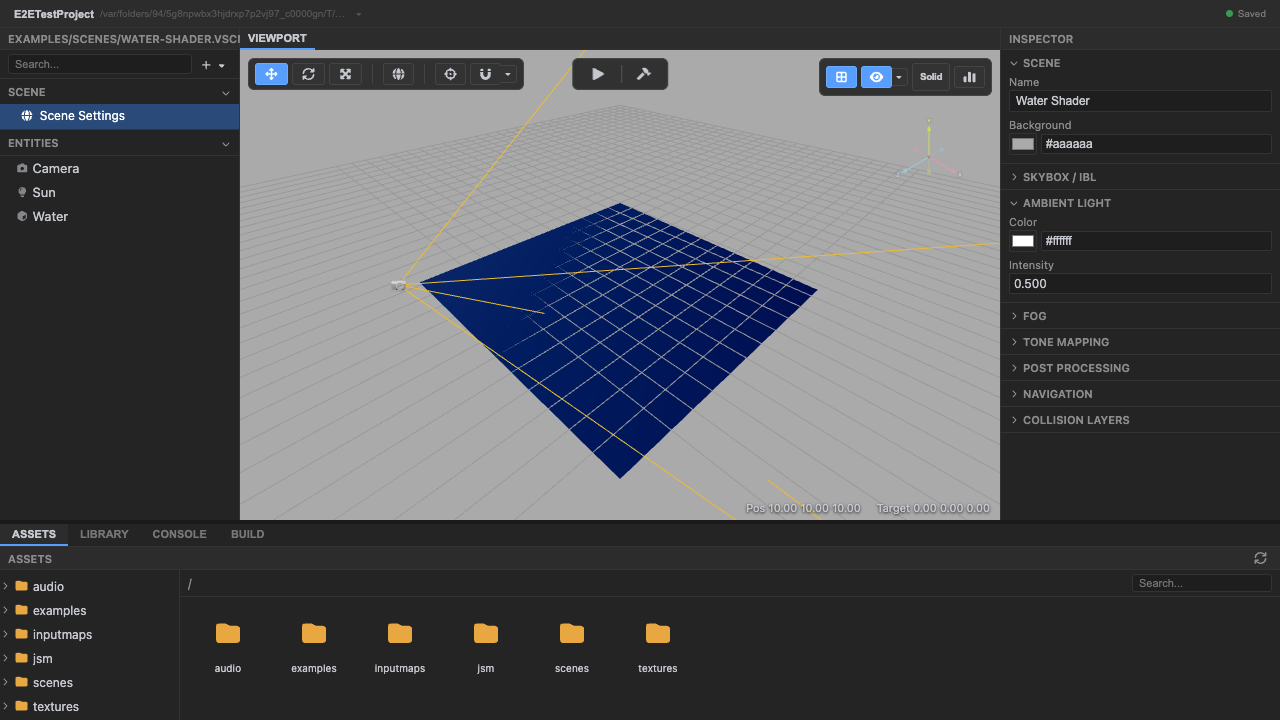
The water-shader scene. -
Enter play mode — the WaterSurface component runs. Its
init()captures the plane’s base positions;update(dt)applies summed sine waves to the vertices.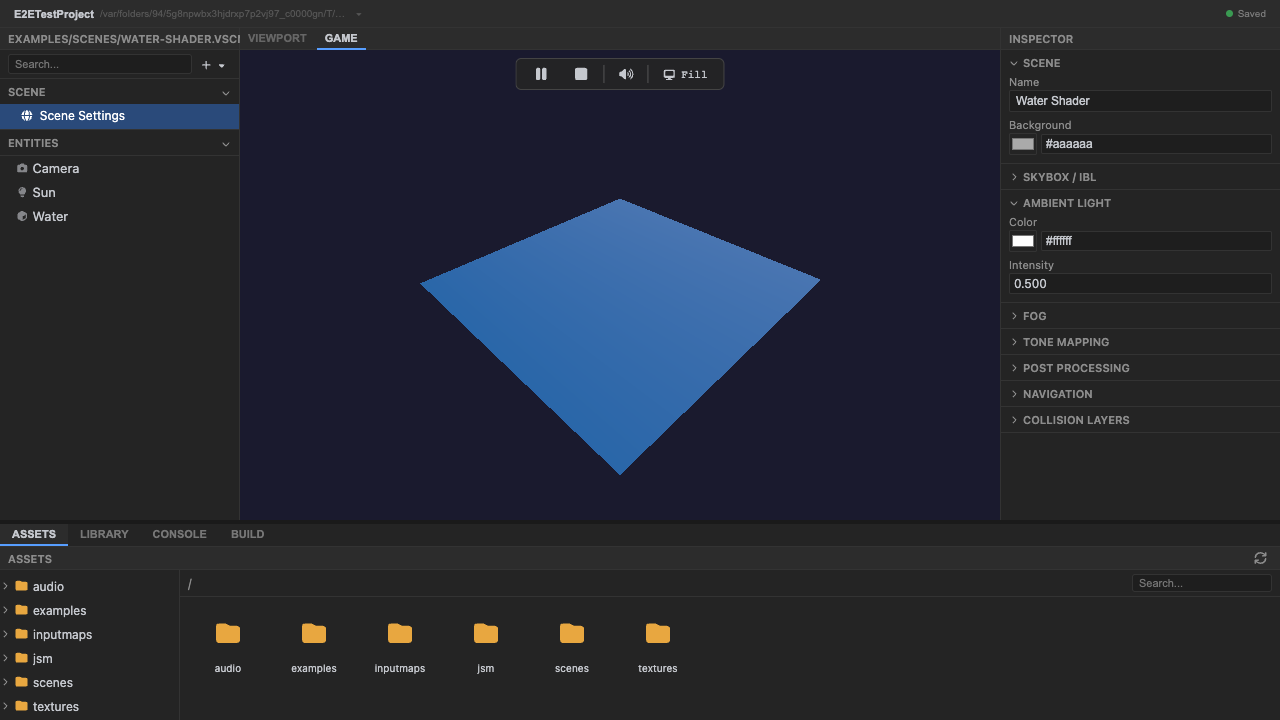
The custom Water material. -
The component displaces native geometry. The scene’s standard material remains ordinary; Play-mode behavior lives in project source and the editor reports zero errors.
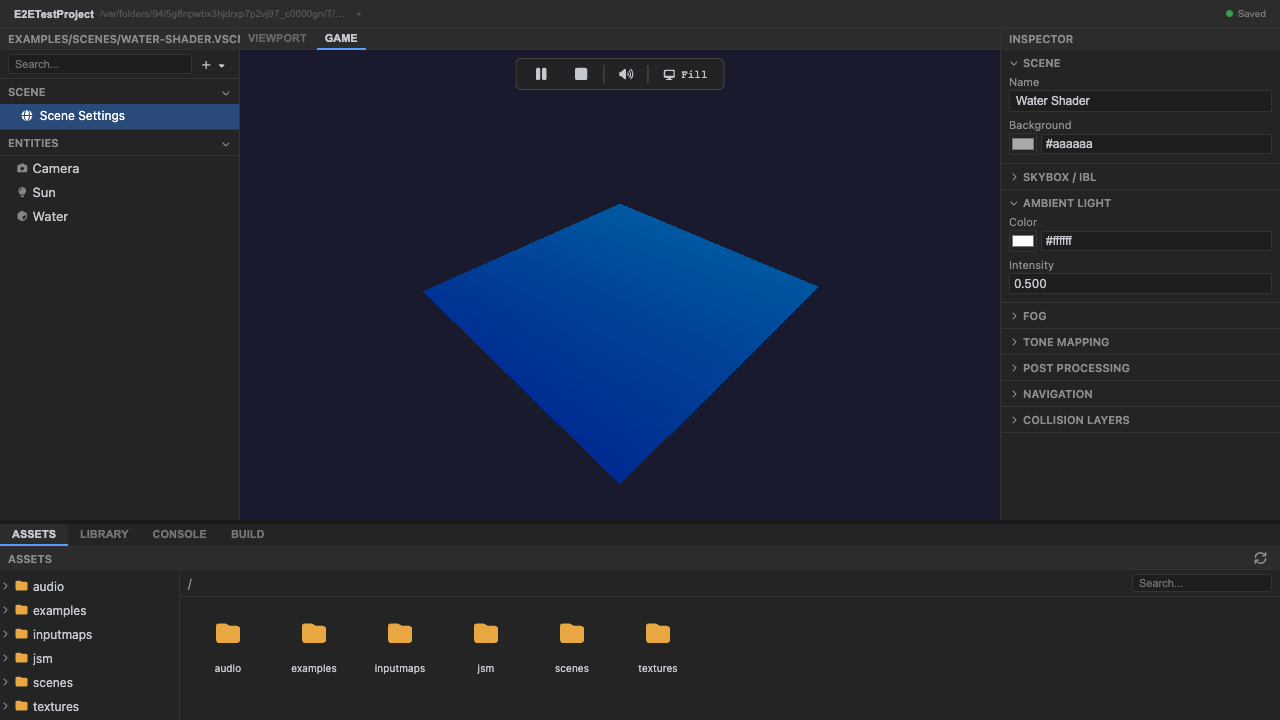
Self-animating shader (uTime). -
Stop play mode. Press Stop (or
Escape).
Recap
New functionality
- Ran a scene using a project WaterSurface component
- Saw native BufferGeometry animate
New concepts & skills
- The scene keeps an ordinary material
- Game-specific visual behavior belongs to project source
- A component owns init/update/dispose
Next lesson → Manual: Project-owned shaders
On Your Own!
Extend what you built:
- Tweak the component's waveHeight and waveSpeed fields
- Replace vertex motion with a project-owned ShaderMaterial
- Add a second component that pulses emissive intensity