
First Person Arena
site/media/lessons/capstone-fps.lesson.ts (5 steps) The first-person project is a premium starter rather than a mechanics test. Its bright sky,
subtle construction grid, multi-level arena, seed-derived Redline enemies, weapon pickups, jump pads,
combat feedback, and complete HUD establish the presentation bar every shipped example must meet.
Run it
Section titled “Run it”-
Open the authored project. Run
vgai edit examples/first-personfrom the repository root.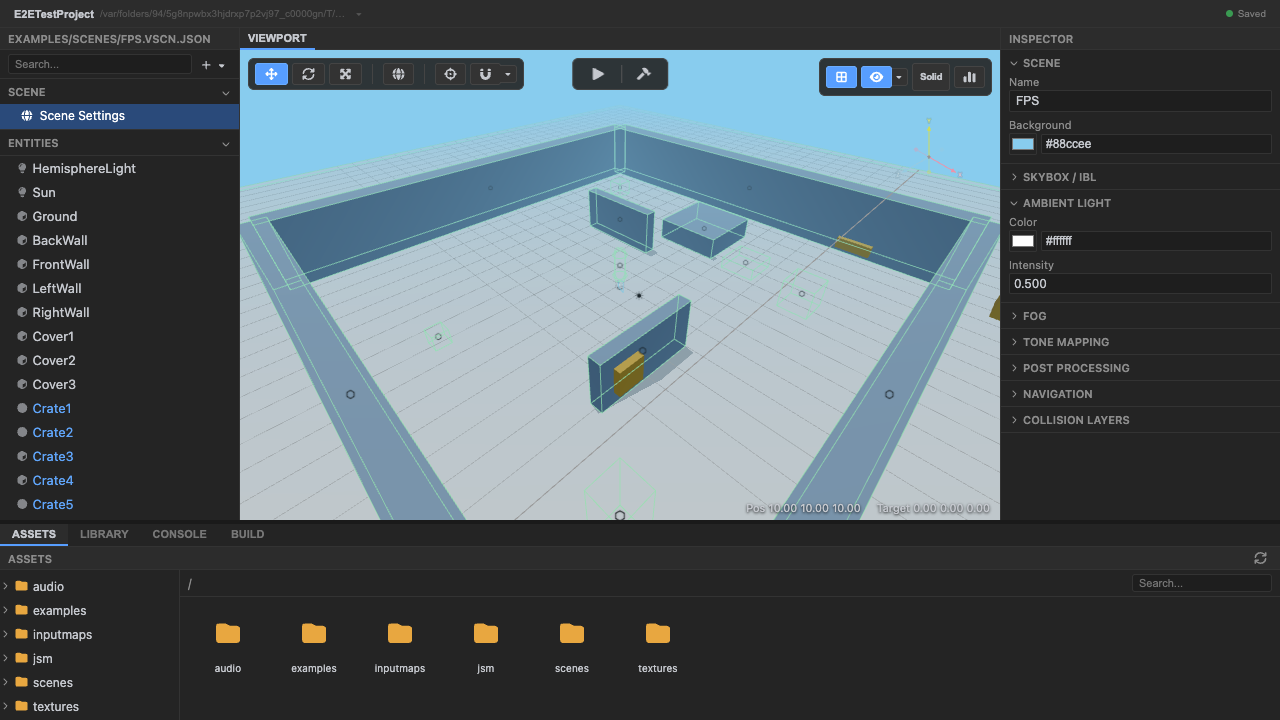
The FPS arena. -
Enter play mode. Press Play to boot the runtime.
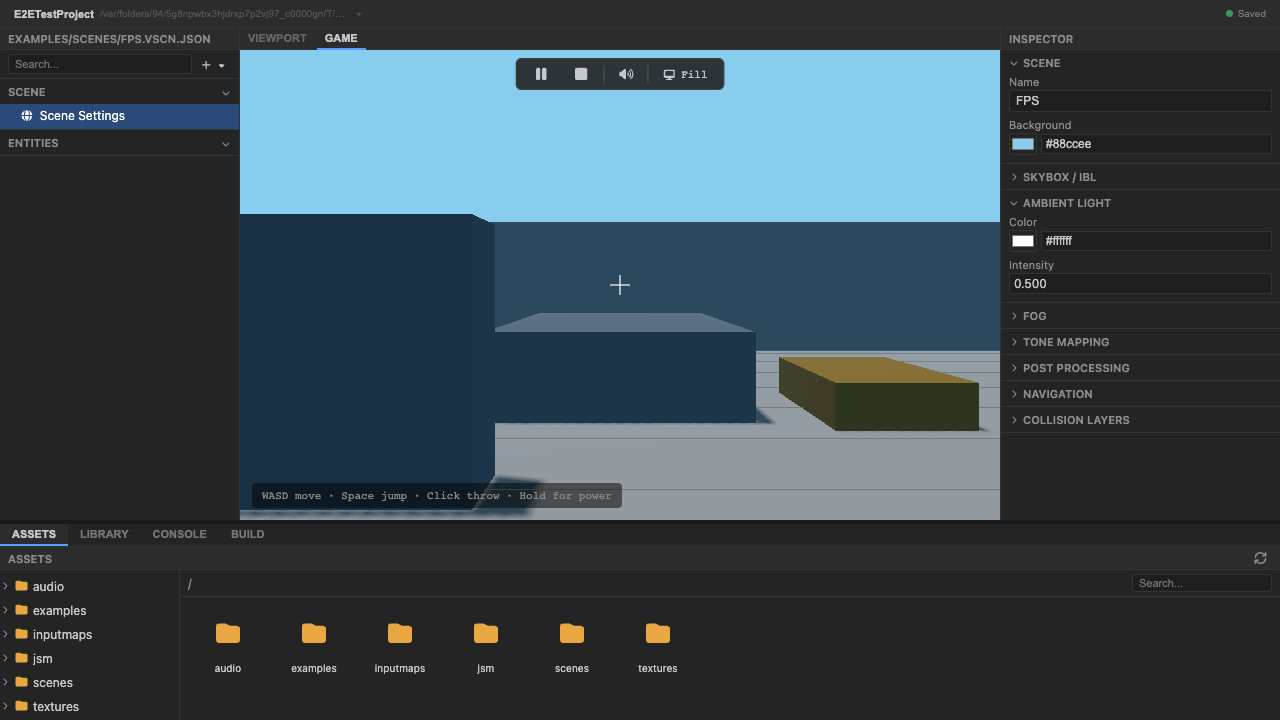
Play mode. -
Focus the viewport and look around. Clicking the canvas focuses the live game surface; mouse movement then drives the first-person camera. Standalone play also requests pointer lock (
Escreleases it), while the embedded editor keeps look input usable if the browser declines the lock request.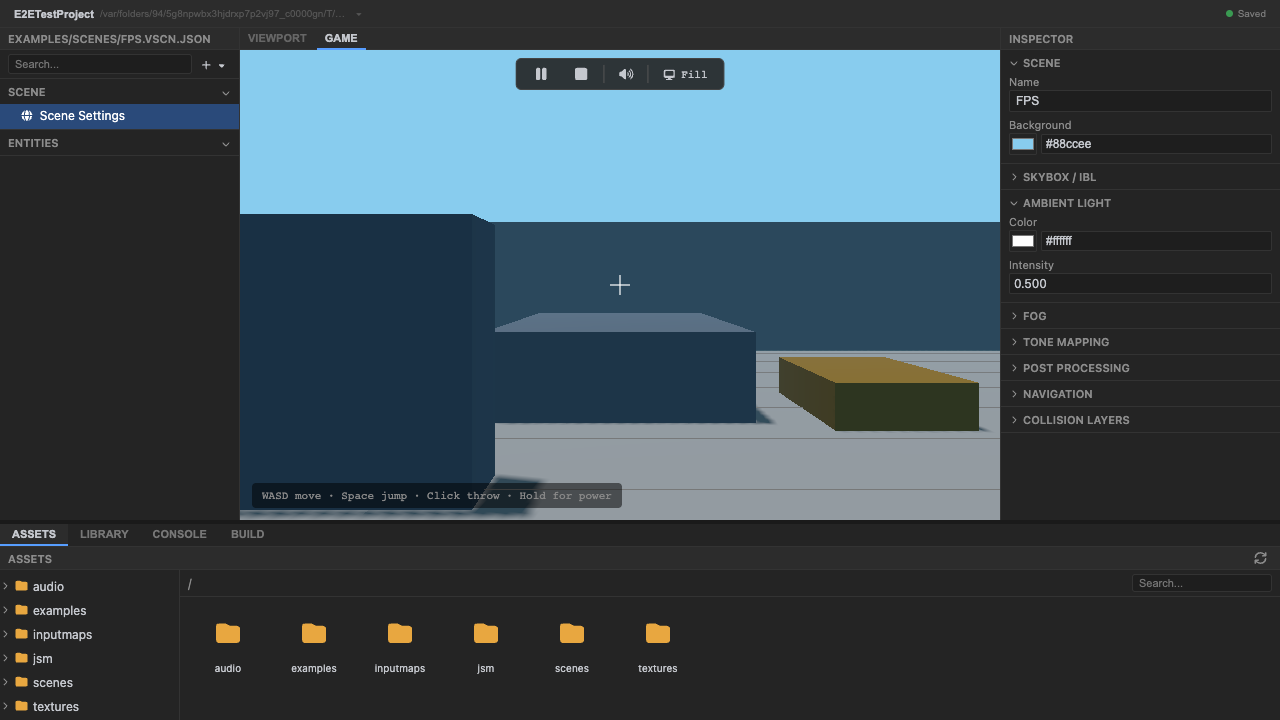
Live mouse-look in the editor viewport. -
Fight through the arena loop. Fire the pistol, collect the rifle and grenade launcher, use jump pads to change elevation, and read hit, damage, ammo, score, pause, and respawn state through the live React HUD.
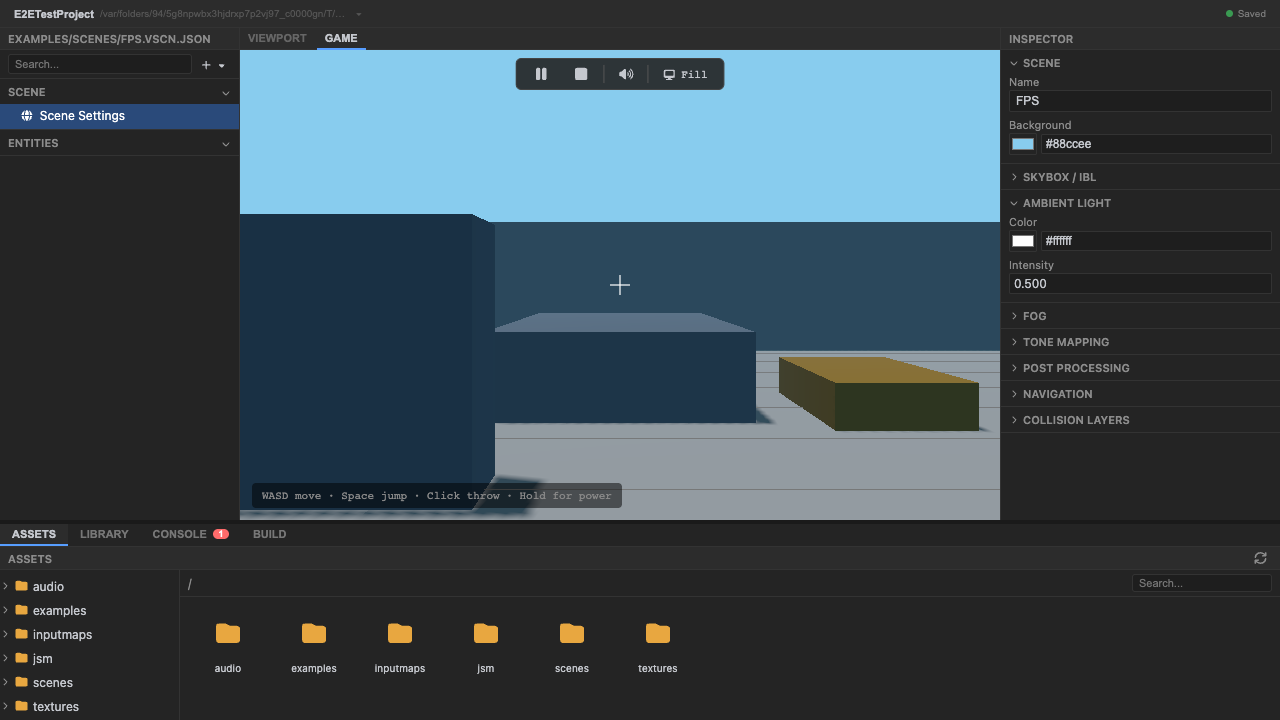
A hitscan shot with a pooled impact mark. -
Stop play mode. Press Stop (or
Escape) to return to editing.
How it works
Section titled “How it works”<Player> renders PlayerRig and owns the complete player loop: mouse/gamepad look, movement,
three weapon inventories, pickups, recoil, effects, damage, death, respawn, audio cues, debug
state, and deterministic presentation commands. It moves as a kinematic capsule driven by Rapier’s
character controller, so ramps, step-ups and cover come from colliders generated out of the
arena’s own boxGeometry — the level is described once, in world.tsx, and nothing has to keep a
second description of it in sync. Four <Enemy> components
move, aim, fire, take damage, respawn, and bind retargeted Mixamo-family clips through XState animation. The HUD
is split into a pure ArenaHud page and a thin live connector; its portable Storybook document
authors twelve named states, including critical health, empty magazine, hit confirmation, pause,
respawn, and overtime stress.
Recap
New functionality
- Ran the premium arena
- Fought animated enemies with multiple weapons
- Inspected live and authored HUD states
New concepts & skills
- One focused player component can own a complete starter loop
- Enemy aim and weapon animation are mixed through XState
- Every React root ships meaningful Storybook states
Next lesson → Capstones