Port: SimCity
site/media/lessons/ports-batch.lesson.ts (5 steps) simcity (packages/editor/template/src/examples/simcity/) is a port of
dgreenheck/simcity-threejs-clone. The
original’s per-tile SimObject.simulate(dt) model becomes a BuildingController
GameComponent whose update(dt) is ≈ 1:1 with the original, driven by a dependency-free
sim-logic.ts.
Run it
Section titled “Run it”-
Open the simcity scene. Load
examples/scenes/simcity.vscn.json.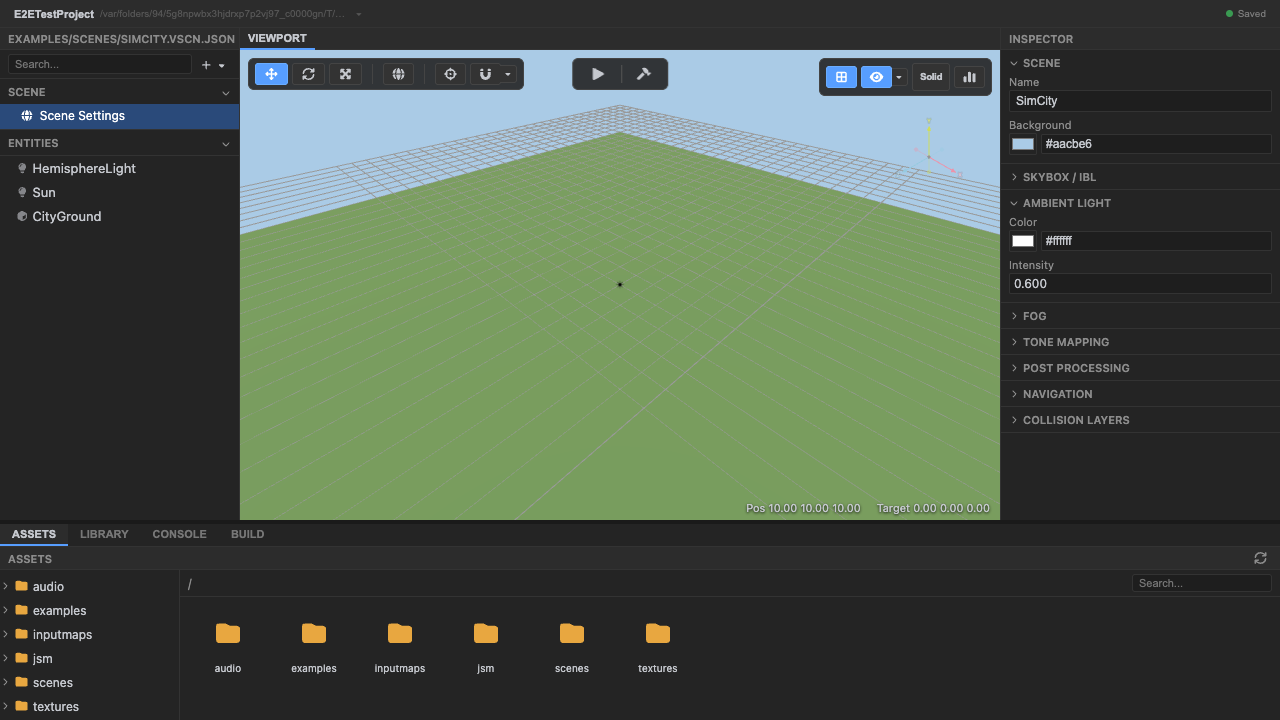
The city grid of lots. -
Enter play mode. Press Play — the top-down city view starts.
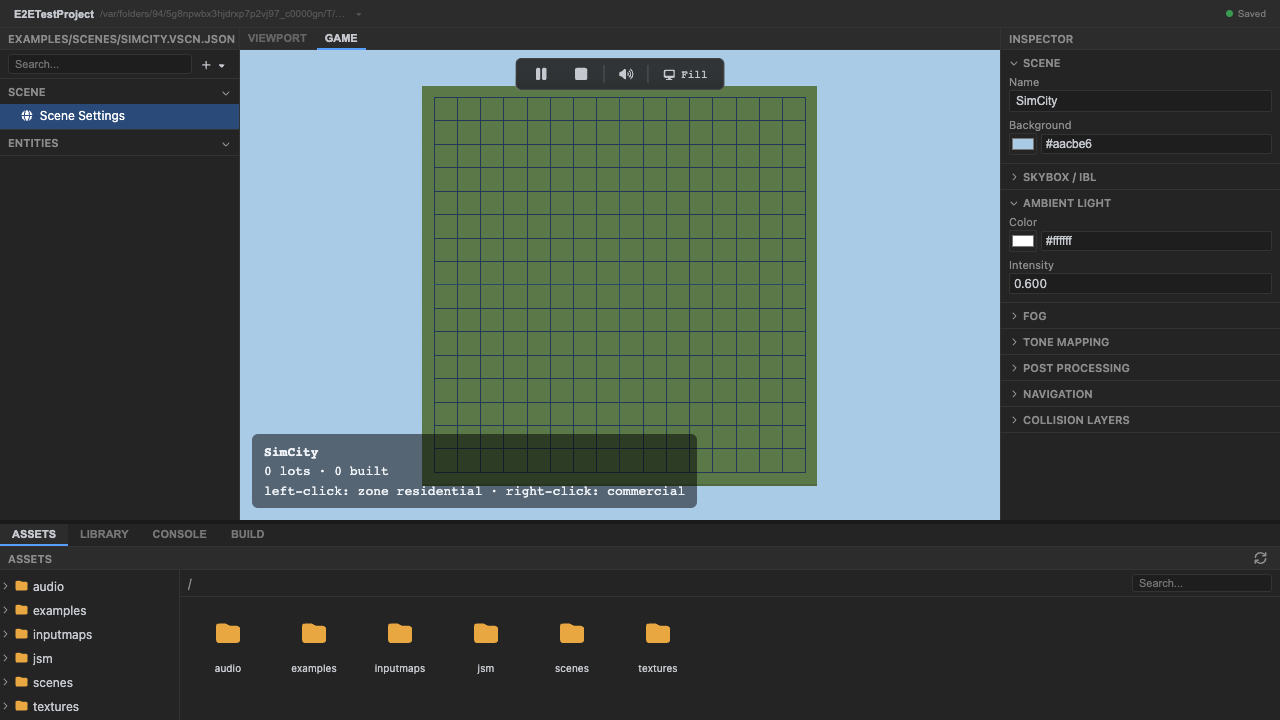
Play mode, top-down camera. -
The top-down city grid renders. Play mode shows the city grid from above.
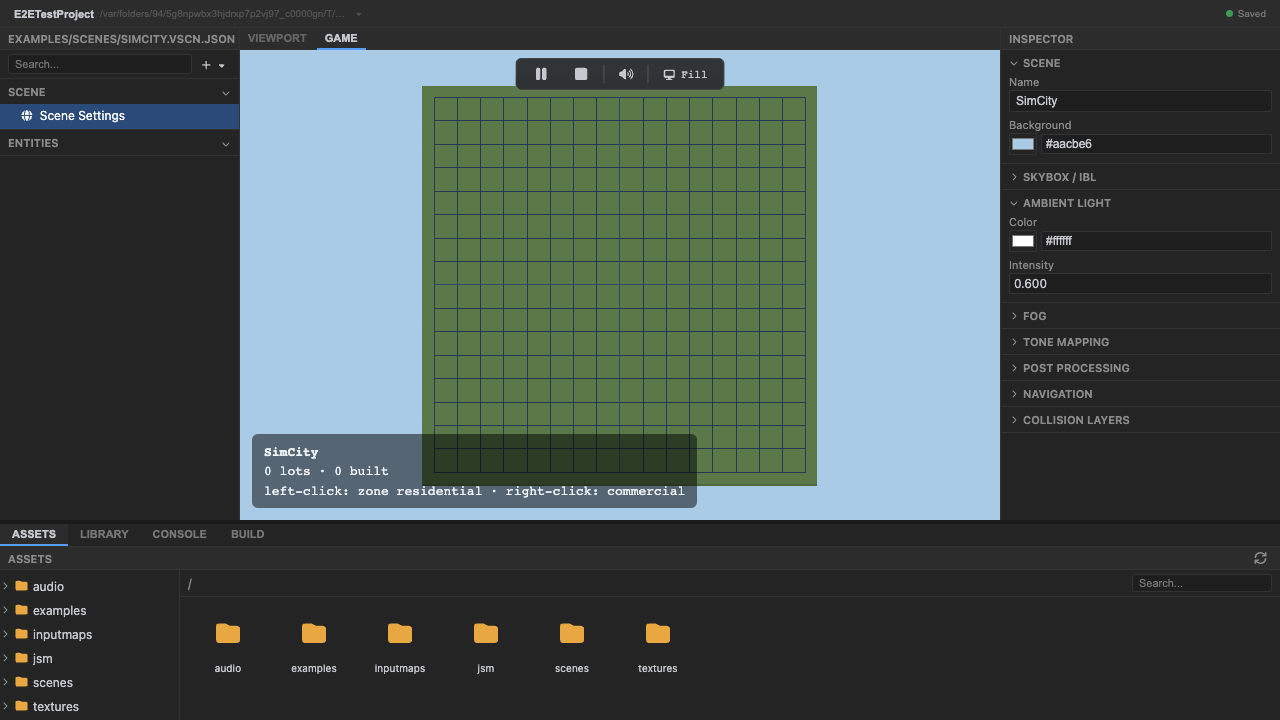
The running city grid. -
The HUD shows the zoning controls. The in-game HUD lists the controls: left-click zones a lot residential, right-click zones it commercial.
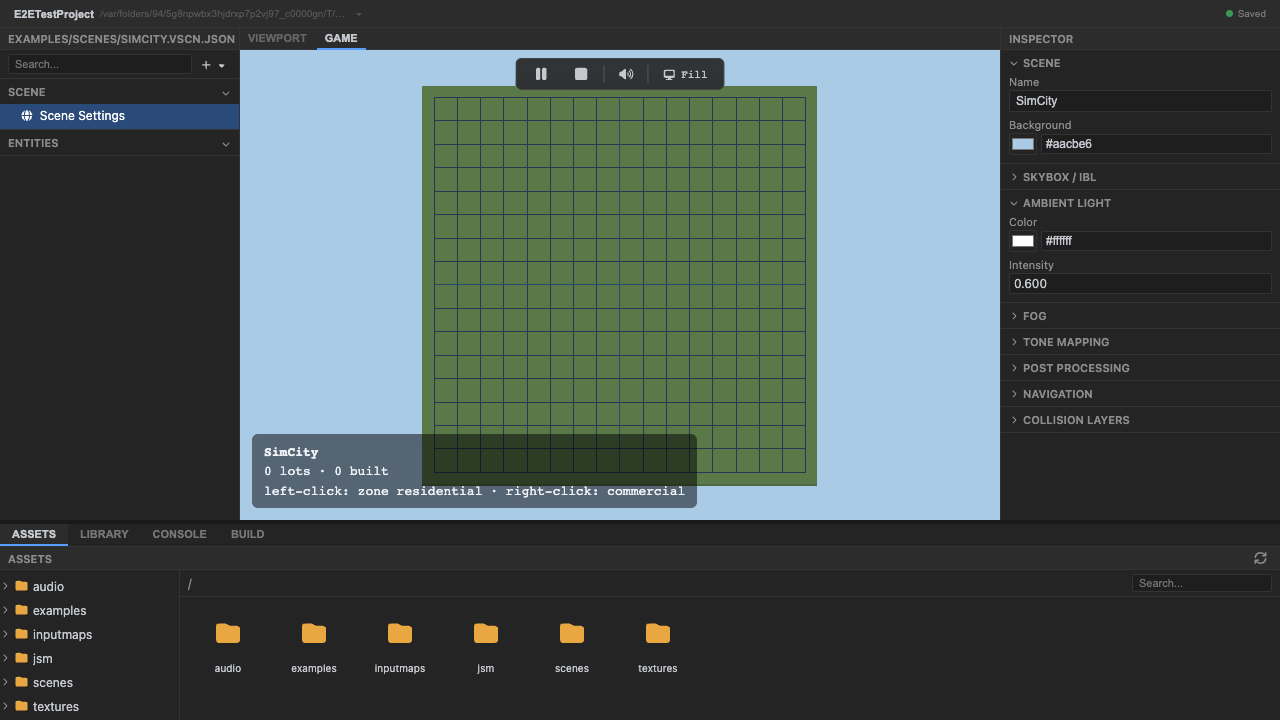
The zoning HUD (left = residential, right = commercial). -
Stop play mode. Press Stop (or
Escape).
Why this matters
Section titled “Why this matters”SimCity shows a different port shape: a per-entity simulation. Each lot is an entity with a
BuildingController GameComponent, and the whole city is just many of those ticking in the
gameLogic phase — the original’s tile loop maps directly onto the
component update model. When you zone a lot
(left-click residential, right-click commercial), its BuildingController starts developing it
— the building grows over a few seconds toward its target height, driven by the
dependency-free sim-logic.ts.
Recap
New functionality
- Ran a ported city-builder on vgai
- Saw the running top-down city grid and its zoning HUD
New concepts & skills
- A per-tile sim maps to a per-entity BuildingController GameComponent
- Many components ticking in gameLogic = the city simulation
- Ports map structure onto vgai's model
Next lesson → Loading Existing Games
See also
Section titled “See also”- Entities & components — the update model the sim uses.
- Loading Existing Games — the porting/ingest story.